We've gotten copies of the full iPhone Training manual provided to AT&T employees that gives us a few more details about Apple's iPhone. Thanks to cindynjgirl79 for providing the scans.

This sales guide presents iPhone features and benefits, tips, comparisons, qualifying questions, and objections -- all designed to help you sell iPhone.
....
Keep in mind that there might be additional iPhone features that are announced at iPhone's launch as well as additional information about the features in this guide. (scan)
The training manual is broken down into features of the iPhone, and we've provided hilights and links to the scans:Revolutionary Mobile Phone (scan 1, scan 2)
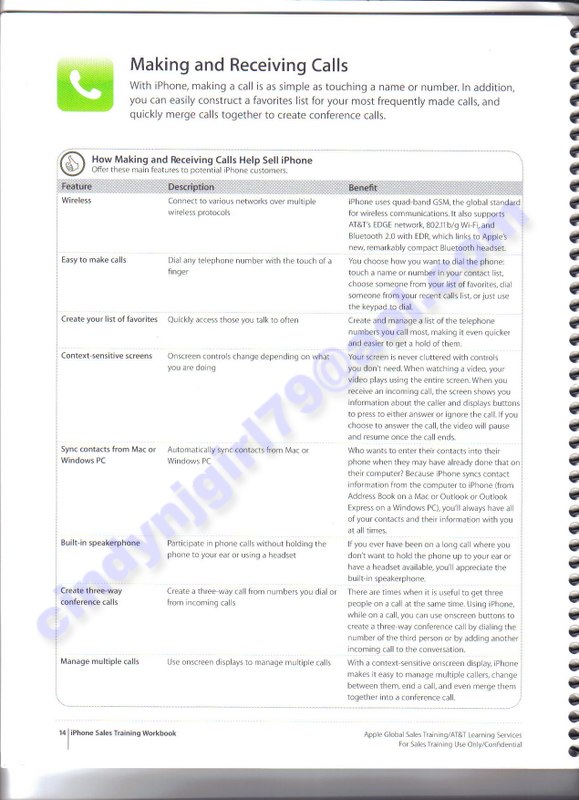
- Dial any telephone number with the touch of a finger
- Create and manage a list of telephone numbers you call most
- If you choose to answer the call, the video will pause and resume once the call ends
- iPhone syncs contact information from the computer to iPhone (from Address Book on a Mac or Outlook or Outlook Express on a Windows PC).
- Built-in speakerphone
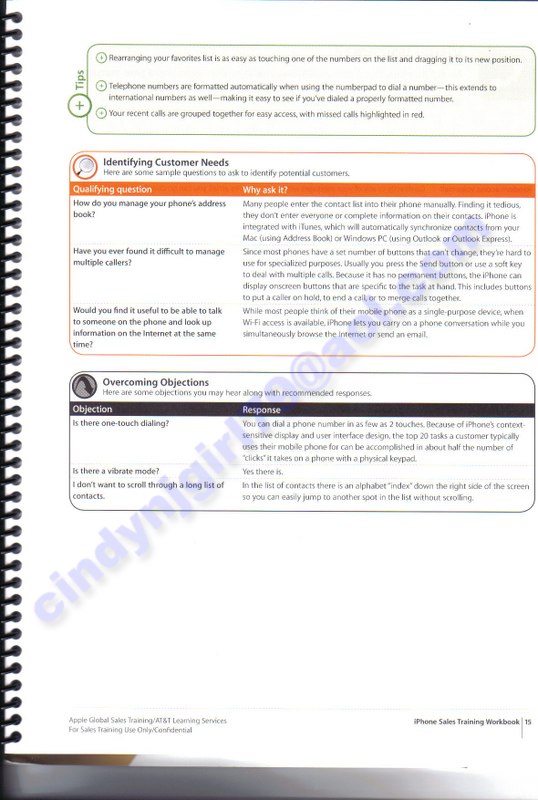
- iPhone lets you carry on a phone conversation while you simultaneously browse the Internet or send an email.
- There is a vibrate mode.
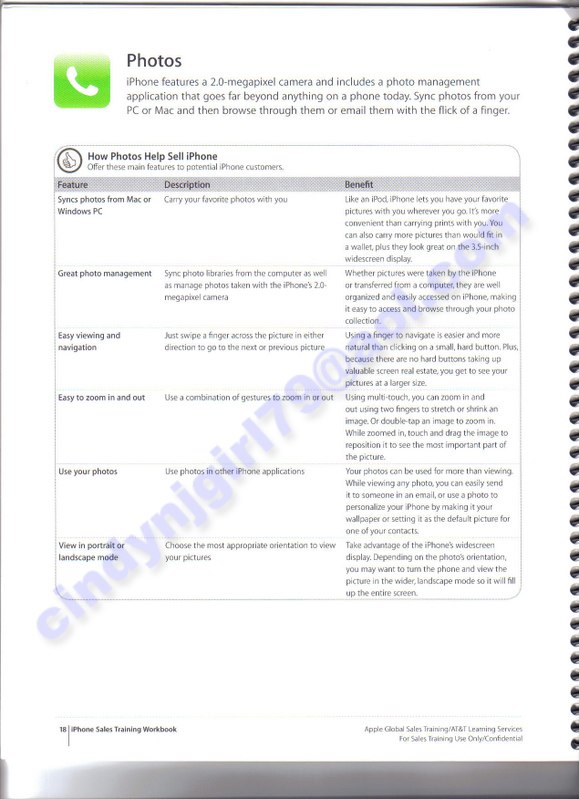
- Sync photos from Mac or PC
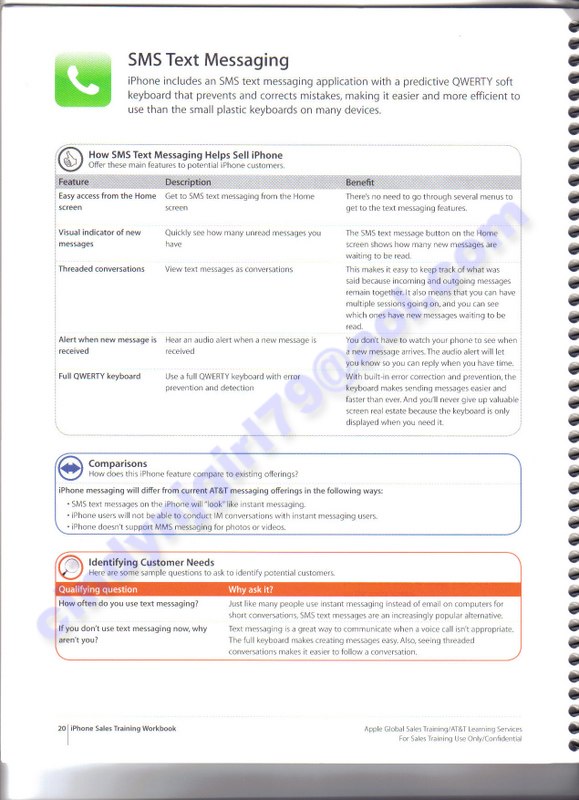
SMS Text Messaging (scan 1)
- SMS text message button shows how many new messages are waiting
- Threaded conversations
- Hear an audio alert for new messages
- Error correction and prevention in the keyboard. Only displayed when you need it.
- iPhone users will not be able to conduct IM conversations with instant messaging users
- Does not support MMS messaging for photos or videos
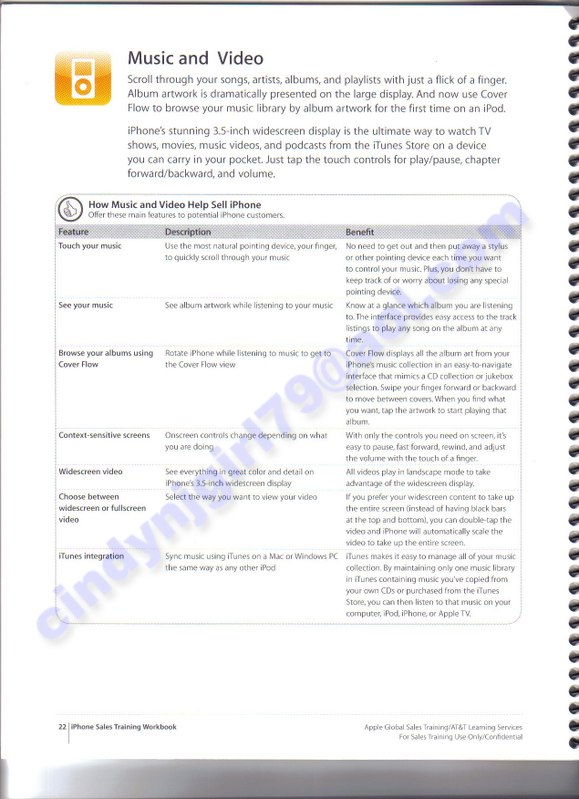
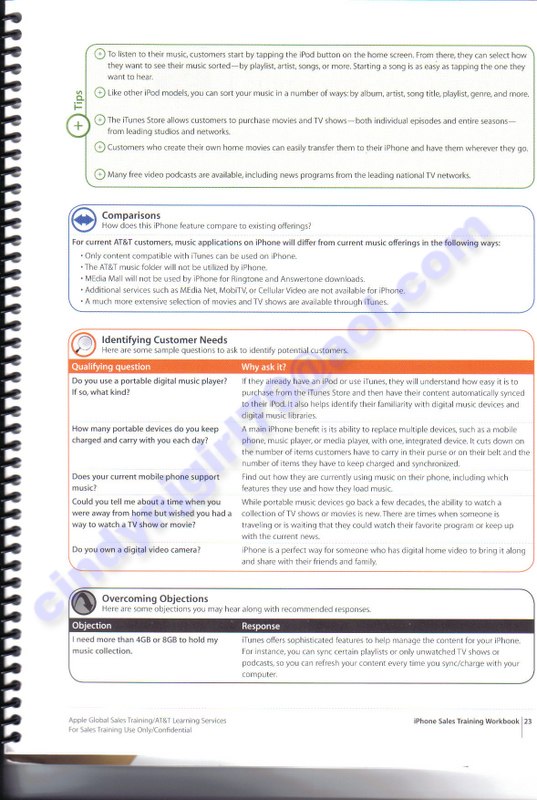
Music and Video (scan 1, scan 2)
- All videos play in landscape mode
- If you prefer your widescreen content to take up the entire screen, you can double tap the video and iPhone will automatically scale the video to take up the entire screen
- Sync music with iTunes just like any other iPod
- Select how to display music: by playlist, artist, songs or more.
- Media Net, MobiTV, or Cellular Video are not available on iPhone
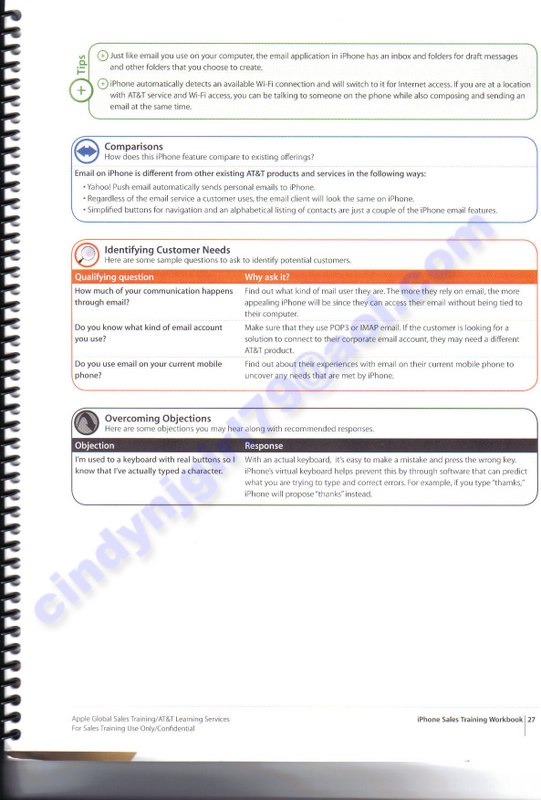
- Rich formatting
- Support for IMAP and POP3
- Yahoo! Push Mail
- Automatic address completion
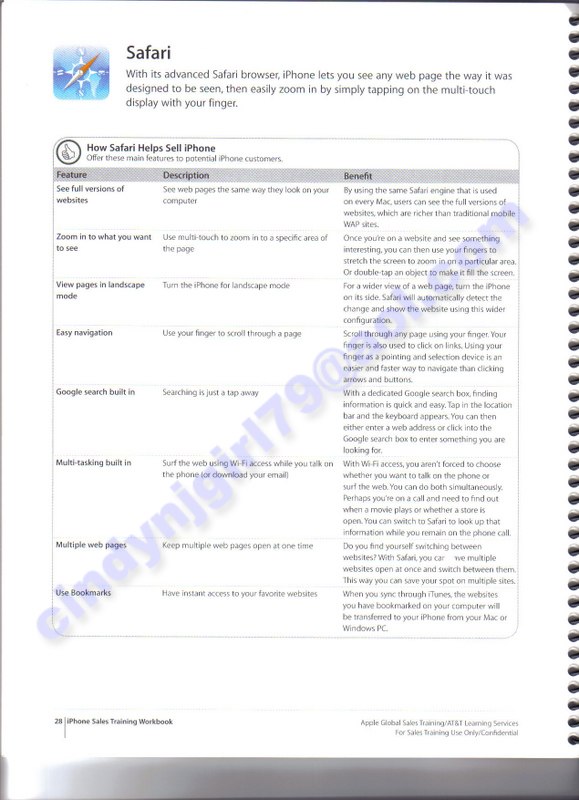
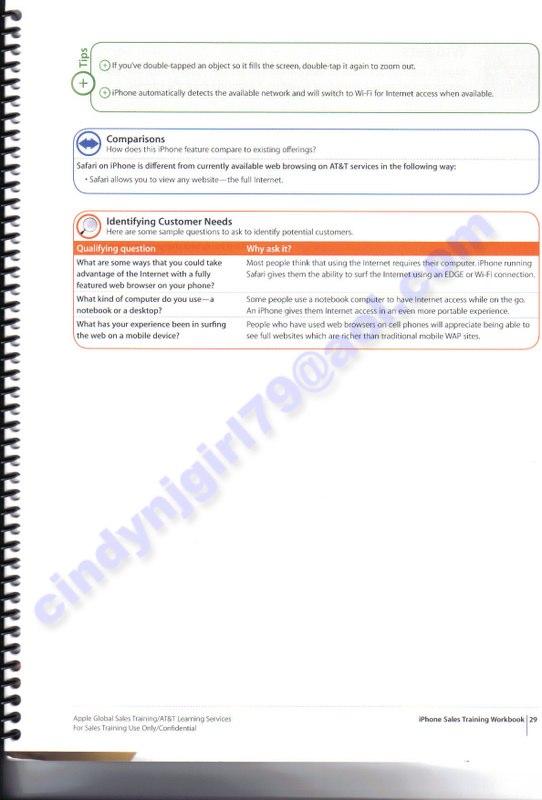
- Double tap an object to make it fill the screen, and double tap to zoom out
- Can have multiple websites open at once and switch between them
- Websites you have bookmarked on your computer will be transfered to your iPhone from your Mac or PC
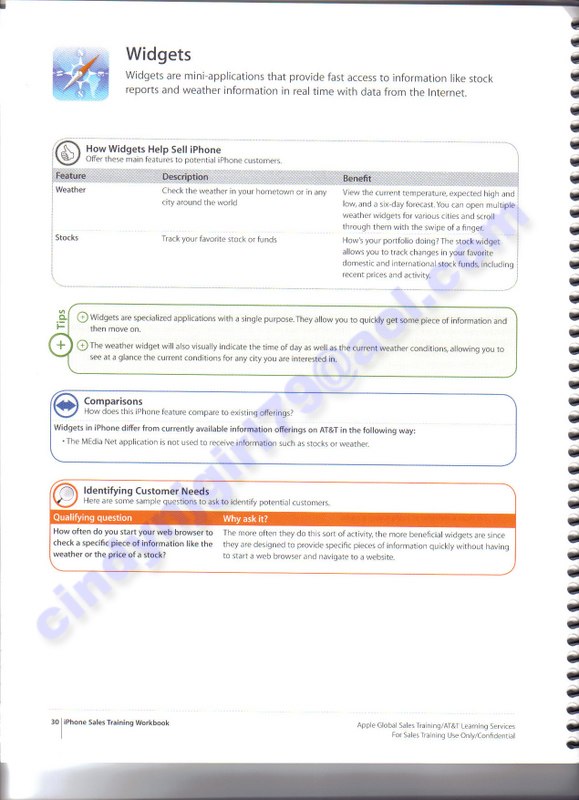
Widgets (scan 1)
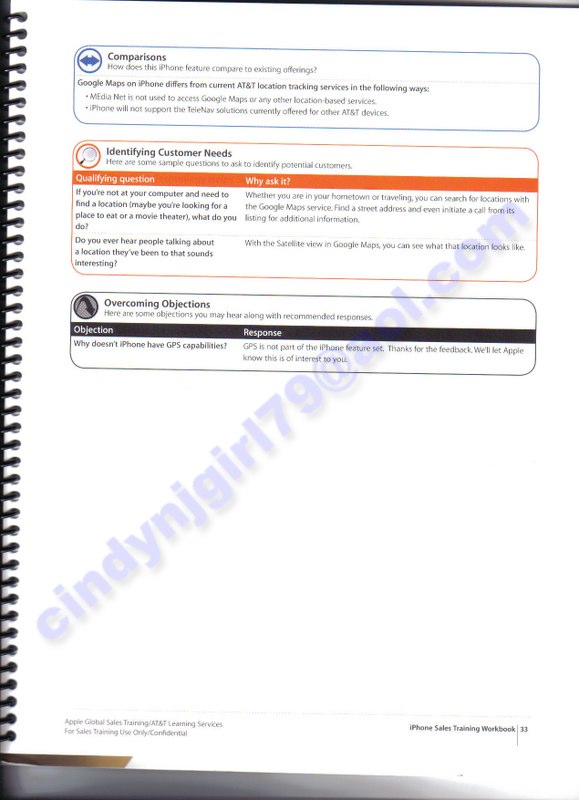
- iPhone will not support the TeleNav solutions currently offered by other AT&T devices
- GPS is not part of the iPhone feature set.