USA Today reports on Napster's upcoming Superbowl advertisement which is directly targeted against Apple's iTunes/iPod.
The theme of the campaign is "Do the Math" will be pushing the Napster To Go service which allows users to transfer an unlimited number of songs to their (WMA-compatible) music player for $15/month:
In Napster's 30-second ad in the third quarter, viewers will see a camera pan the stands of a Super-Bowl-like game. There are the usual shirtless rowdies who've spelled out "Napster" across their bellies.
The camera finally comes to rest on Napster's feline icon, who holds up a sign that reads: "Do the Math. How much will it cost to fill up your player?"
Sunday August 23, 2026 11:19 am PDT by Tim Hardwick
Apple's upcoming foldable iPhone Ultra is winning over the few people who have had hands-on time with the device, though the camera setup may leave some users wanting, according to Bloomberg's Mark Gurman.
Writing in his latest Power On newsletter, Gurman says people who have used the device – which is reportedly referred to internally as the iPhone Ultra – like how it fits in your...
It is now late August, meaning that Apple's annual iPhone event is just around the corner. Below, we take a look at when the event might be held this year.
This September, Apple is expected to unveil the iPhone 18 Pro, iPhone 18 Pro Max, and an all-new foldable iPhone that will reportedly be named the iPhone Ultra. The regular iPhone 18, a lower-end iPhone 18e, and the iPhone Air 2 are not...
Tuesday August 25, 2026 8:39 am PDT by Joe Rossignol
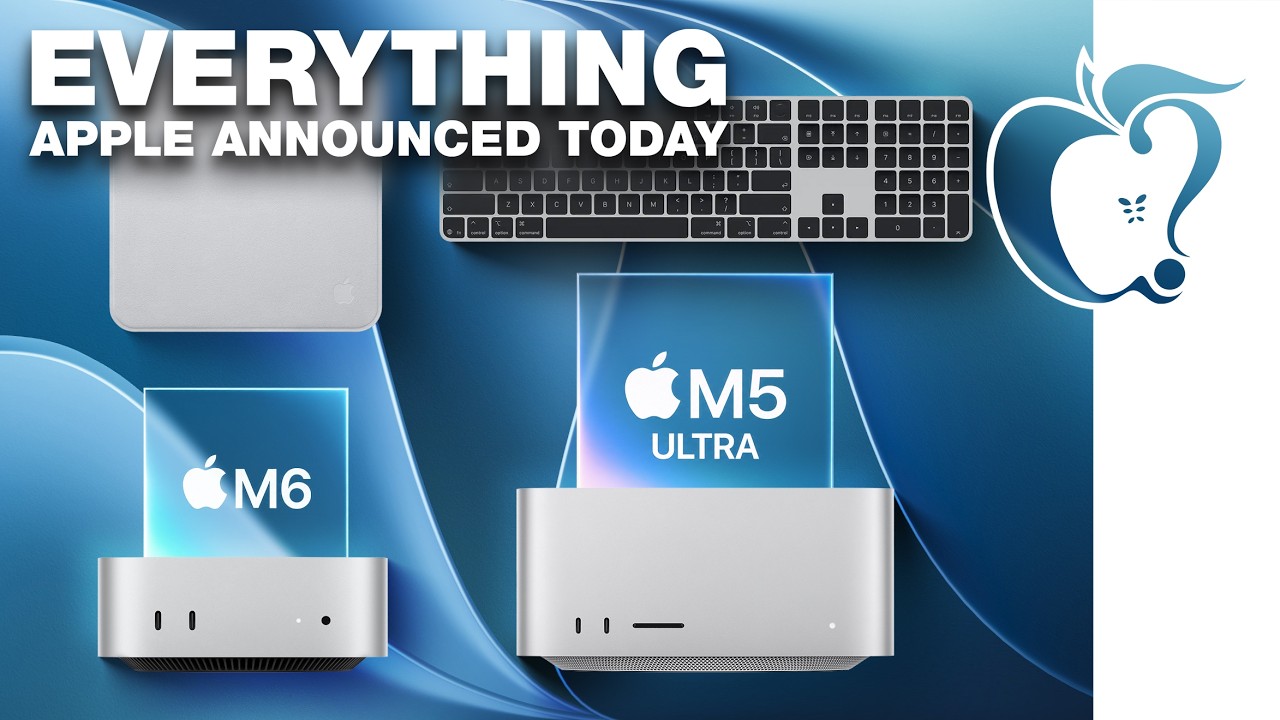
Apple today unveiled a new Mac mini with M6 and M5 Pro chip options, a new Mac Studio with M5 Max and M5 Ultra chip options, a new version of the Polishing Cloth with a lower price, and updated Magic Keyboards for Macs.
To learn more about these products, read our coverage below:
Apple Announces New Mac Mini With M6 and M5 Pro Chips and More
Apple Unveils New Mac Studio With M5 Max and M5...