Apple Seeds Third Beta of watchOS 10.4 to Developers
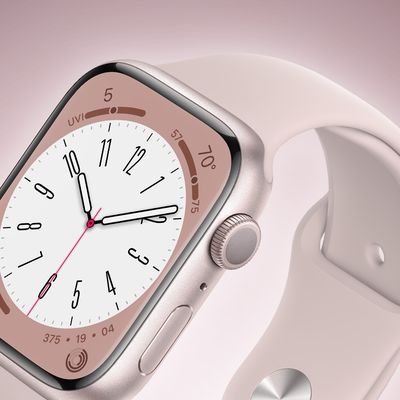
Apple today seeded the third beta of an upcoming watchOS 10.4 update to developers for testing purposes, with the beta coming a week after the release of the second watchOS 10.4 beta.
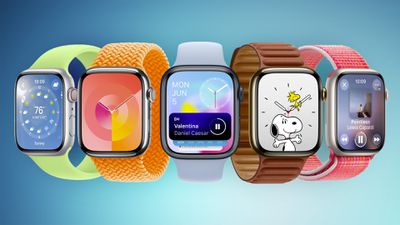
To install the watchOS 10.4 update, developers need to open the Apple Watch app, go to the Software Update section under "General" in Settings, and toggle on the watchOS 10 Developer Beta. An Apple ID linked to a developer account is required.
Once beta updates have been activated, watchOS 10.4 can be downloaded under the same Software Update section. To install software, an Apple Watch needs to have 50 percent battery life and it must be placed on an Apple Watch charger.
watchOS 10.4 includes new emoji characters such as a lime, an edible brown mushroom, a phoenix, a broken chain, shaking head vertically (as in a "yes" nod), and shaking head horizontally (a "no" head shake).
There is also a Vision Pro setting to disable the Double Tap feature on Apple Watch, as the hand gestures might interfere.
Popular Stories
Apple today provided developers with the second betas of upcoming watchOS 26.6, tvOS 26.6, and visionOS 26.6 betas for testing purposes. The software comes three weeks after Apple seeded the first betas.
The software updates are available through the Settings app on each device, and because these are developer betas, a free developer account is required.
There's no word on what's in the...
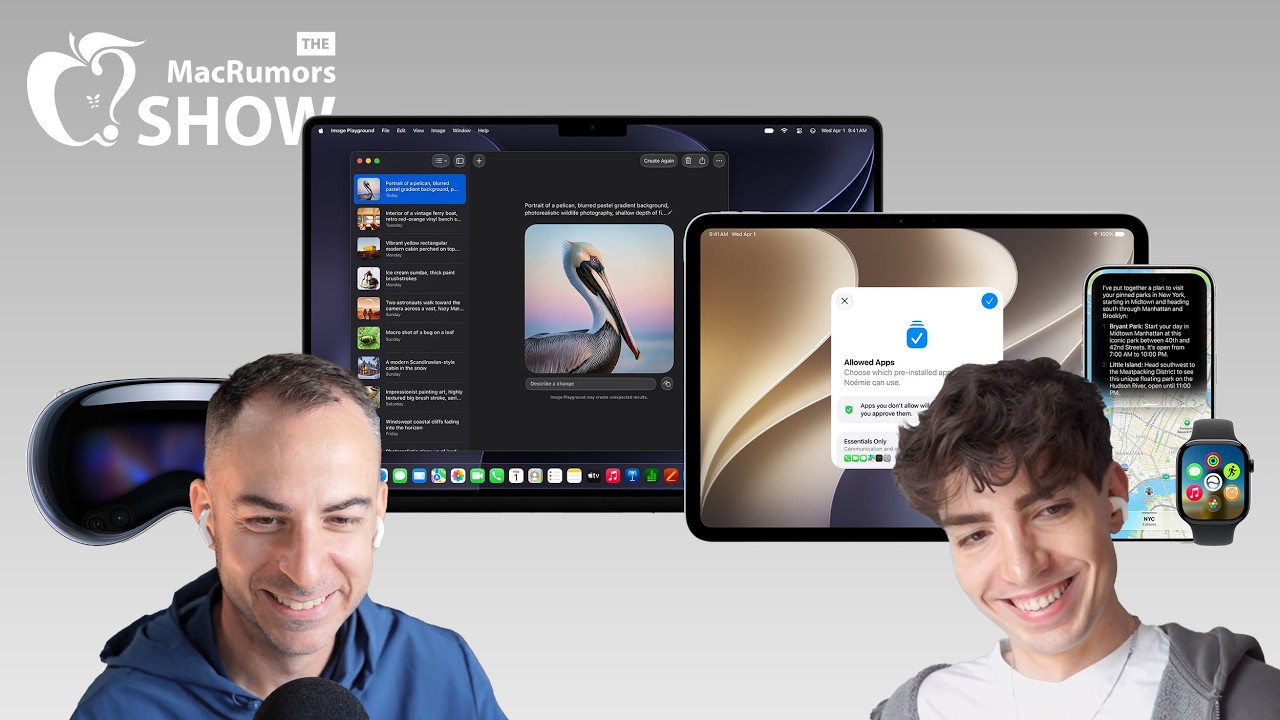
Following the WWDC 2026 keynote event, Apple has seeded the first betas of iOS 27, iPadOS 27, macOS 27, watchOS 27, tvOS 27, and visionOS 27 to developers for testing purposes.
Registered developers can opt in to betas and download the software through the Settings app on each device.
The software includes many of the new features that were shown off earlier today, though some of what...
Apple today confirmed that watchOS 27 will not support the Apple Watch Series 8, Apple Watch Ultra (first generation), or Apple Watch SE (second generation), effectively drawing a line at devices equipped with the S9 or S10 chip.
The only Apple Watch models compatible with watchOS 27 are the Apple Watch Series 9, Series 10, Series 11, Ultra 2, Ultra 3, and SE 3.
The cuts are the biggest...