iPhone Availability on June 29th
AT&T sent out emails to customers today which reveals that they are limiting iPhone sales to "one per person":
With iPhone arriving June 29th at 6 p.m. in AT&T retail stores, the wait is almost over. Use our online store locator to find the closest AT&T store that sells Apple iPhone (limit one per person). We'll show you maps, directions, and everything you need to get your hands on an iPhone as quickly as possible.
There's been no official word if Apple will be similarly limiting their sales, but it may be a safe bet. Appleinsider reports that Apple Stores are preparing by requiring some employees to stay overnight on Thursday night to prepare for Friday's launch.
Finally, we've heard that some above-average size Apple Stores may be getting on the order of 1000 iPhones for Friday's launch, with a ratio of inventory being heavily skewed towards 8GB iPhones over 4GB iPhones at approximately a 4:1 ratio.
MacRumors forum members are meeting up at their respective locations to stand in line.
Popular Stories
Apple's upcoming foldable iPhone Ultra is winning over the few people who have had hands-on time with the device, though the camera setup may leave some users wanting, according to Bloomberg's Mark Gurman.
Writing in his latest Power On newsletter, Gurman says people who have used the device – which is reportedly referred to internally as the iPhone Ultra – like how it fits in your...
It is now late August, meaning that Apple's annual iPhone event is just around the corner. Below, we take a look at when the event might be held this year.
This September, Apple is expected to unveil the iPhone 18 Pro, iPhone 18 Pro Max, and an all-new foldable iPhone that will reportedly be named the iPhone Ultra. The regular iPhone 18, a lower-end iPhone 18e, and the iPhone Air 2 are not...
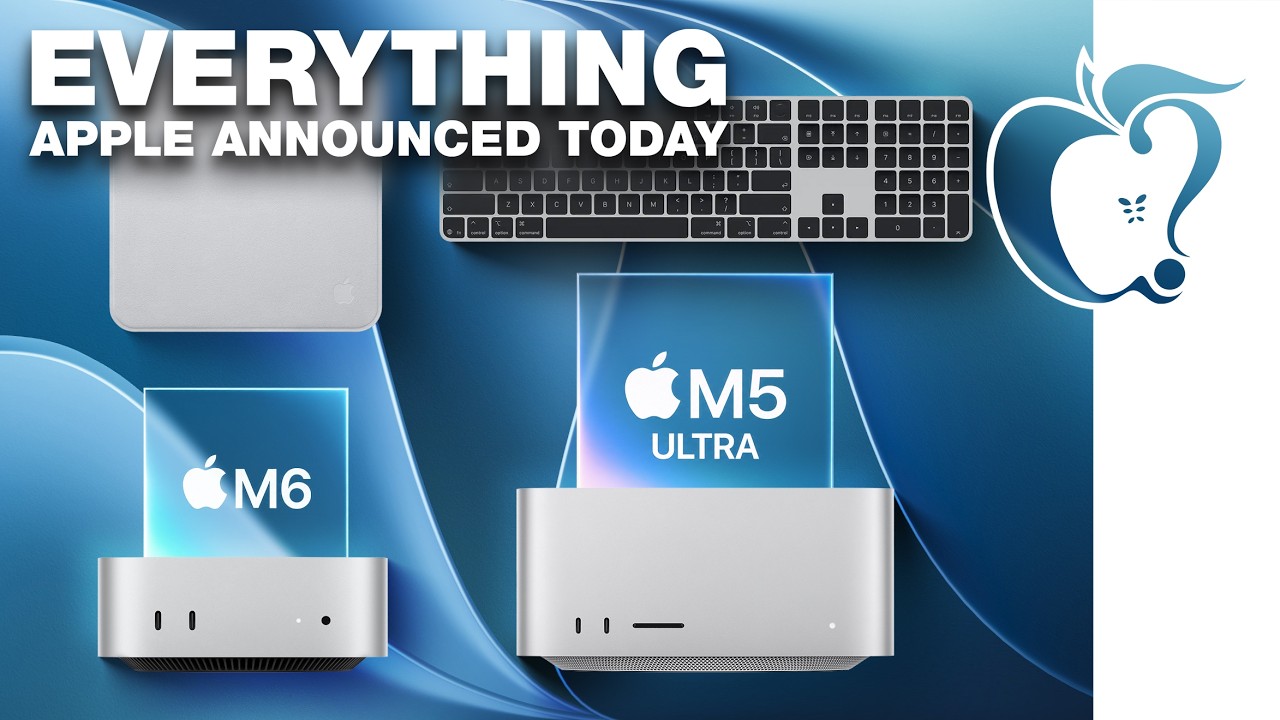
Apple today unveiled a new Mac mini with M6 and M5 Pro chip options, a new Mac Studio with M5 Max and M5 Ultra chip options, a new version of the Polishing Cloth with a lower price, and updated Magic Keyboards for Macs.
To learn more about these products, read our coverage below:
Apple Announces New Mac Mini With M6 and M5 Pro Chips and More
Apple Unveils New Mac Studio With M5 Max and M5...