Wii-Style iPhone Game 'Motion Tennis' Hits the App Store - MacRumors
Skip to Content

Wii-Style iPhone Game 'Motion Tennis' Hits the App Store

by

Rolocule, which debuted its Rolomotion concept back in April, has launched its first game that uses the technology. The Rolomotion software is designed to convert an iPhone or an iPod touch into a motion controller, similar to a Nintendo Wii Remote.

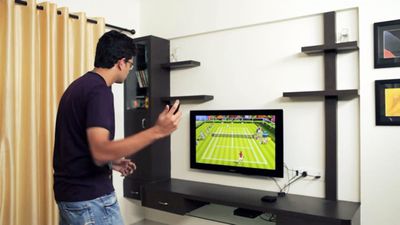
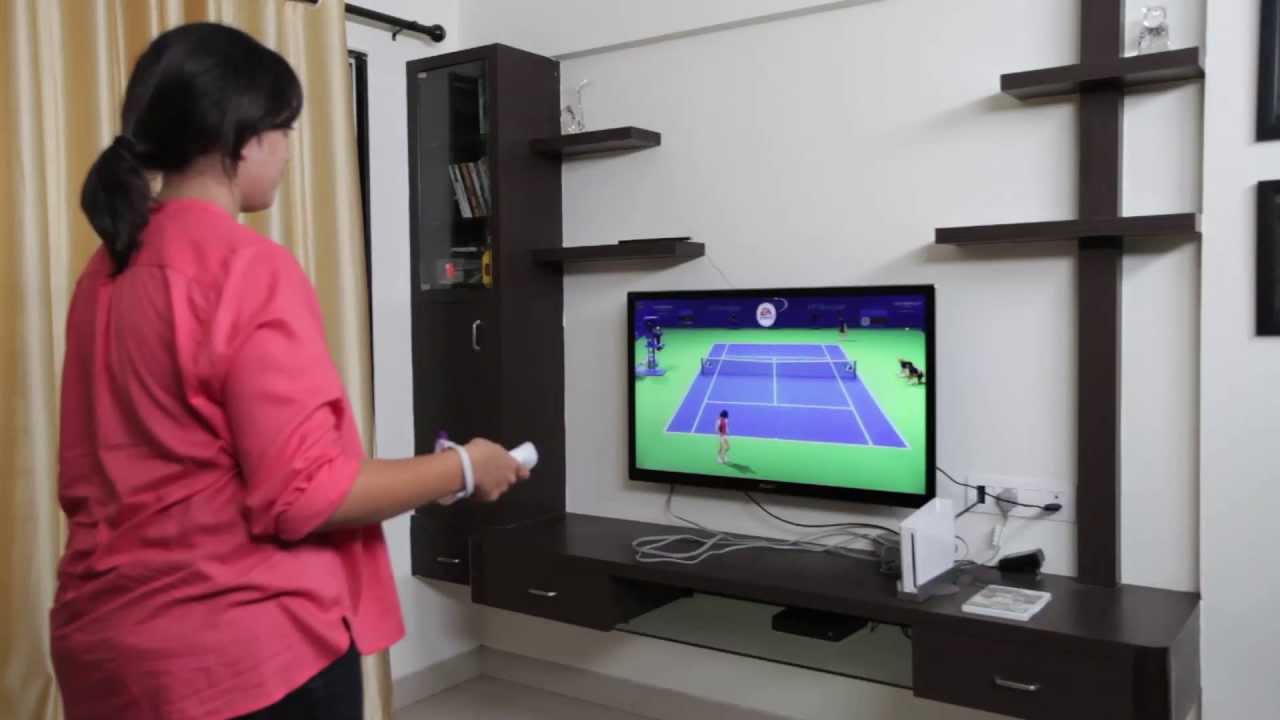
The first game to use the technology, Motion Tennis, hit the App Store this morning. Motion Tennis is meant to be played on the Apple TV using AirPlay Mirroring, where it takes advantage of the iPhone’s gyroscope, magnetometer, and accelerometer to detect movement and translate the movements on screen. Like with the Wii Remote, the iPhone serves as a racket in Motion Tennis.
rolomotion_3
Motion Tennis should only be purchased by users with an Apple TV with AirPlay functionality, as the game does not work on its own. It plays similarly to the Tennis game in Wii Sports (it is, however, less polished), and although there is some slight lag, the game is responsive to the phone’s movements.

Key Features:
Swing like a Champion: Get the real feel of tennis as you swing real forehands and backhands by swinging your iPhone/iPod Touch and taking control of your player on TV.

Hitting glory: Hit multiple shots like the groundstrokes, slice and lob, and simultaneously give accurate direction to the ball, just like in real tennis.

Multiplayer: Team up with friends and family by connecting two iPhones wirelessly and play together as doubles partners to beat the opponents.

Tennis fitness: Get an approximate count of calories burnt with each tennis match and track total calories burnt.

The new home of tennis: Choose between Grass, Clay or Synthetic courts along with four difficulty levels to become a tennis master.

Tennis Survivor: Think you can survive this continuous onslaught? Play the survival mode where you cannot make even ONE mistake. Get a highscore and compete in Online leader boards.

The game requires an iPhone 4S, an iPhone 5, or a 5th Generation iPod touch running iOS 6 to play. It also requires a second or third generation Apple TV for AirPlay Mirroring.

Motion Tennis can be downloaded from the App Store for $7.99. [Direct Link]

Top Rated Comments

chimpboy74 Avatar
173 months ago
Expensive consoles? I'm having trouble with the math:

Console $350 + Game $50

AppleTV $100 + iPhone $649 (16Gb) + Game $8


Am I missing something?

Even if you swap the iPhone for the iPod Touch it's still $8 more for this setup.


I think the assumption is that you already have the iPhone and atv.
Score: 5 Votes (Like | Disagree)
GoCubsGo Avatar
173 months ago
A cool concept but lag while using airplay means this isn't going to be a real fun game.

You should try the game and see if there is lag before claiming there will be, don't you think?

I think this is a neat direction for games and if it works well, $7.99 a game isn't bad.
Score: 5 Votes (Like | Disagree)
aDRock1154 Avatar
173 months ago
I can't wait to pay $8 and smash my TV :D
Score: 4 Votes (Like | Disagree)
nutmac Avatar
173 months ago
Expensive consoles? I'm having trouble with the math:

Console $350 + Game $50

AppleTV $100 + iPhone $649 (16Gb) + Game $8

Am I missing something?

Even if you swap the iPhone for the iPod Touch it's still $8 more for this setup.
Oh come on. This app is clearly geared toward existing iPhone and iPod touch owners. They may need to shell out $100 more for Apple TV (and $8 for the game), but that is still cheaper than buying a new console.

Having said that, $8 seems rather expensive for a simplistic tennis game. I suppose it is priced as such given Apple TV requirement (smaller market). The developer should provide a free version to demonstrate it is playable for those with such setup.
Score: 3 Votes (Like | Disagree)
Battlefield Fan Avatar
173 months ago
You should try the game and see if there is lag before claiming there will be, don't you think?

I think this is a neat direction for games and if it works well, $7.99 a game isn't bad.

Are you serious? Airplay lags. This game will be no different. You'll just have to time your shots accordingly.

I wonder how many TV's will be ruined by flying iPhones?!?!
Score: 3 Votes (Like | Disagree)
Smith288 Avatar
173 months ago
They could make a killing on a cushion case and before each game display an annoying reminder to apply the case and strap to your wrist.
Score: 3 Votes (Like | Disagree)

Popular Stories

8 CarPlay Features in iOS 27 Feature

Which iOS 27 CarPlay Features Actually Work in Your Car?

Thursday September 17, 2026 4:17 am PDT by
In iOS 27, available now, CarPlay gets its biggest update in years, but some features depend on what type of car you have rather than your iPhone model. Some of the biggest additions won't do anything in the vast majority of vehicles on the road today. Here's how the new features pan out. Works in Any CarPlay Vehicle Custom widgets: In iOS 27, CarPlay is no longer limited to Apple's handful ...
Apple Watch New Charging Puck

Here's Why a New Apple Watch Charging Puck Was Just Released

Wednesday September 16, 2026 8:53 am PDT by
The new Apple Watch Series 12 and Apple Watch Ultra 4 have hardware changes that allow for faster charging, but you will need to use the new version of the Apple Watch Magnetic Fast Charger included in the box in order to achieve this boost. If you need extra ones for your own charging stands or travel or so forth, Apple released the new version of the charger on its online store last week, with...
iphone 18 pro max prepare

iPhone 18 Pro Max Requires 'Prepare to Ship' Battery Drain Before Shipping

Friday September 18, 2026 4:27 pm PDT by
The iPhone 18 Pro Max has a battery capacity over 20 watt-hours, which means there are additional shipping requirements. If an iPhone 18 Pro Max needs to be shipped somewhere, its maximum battery capacity has to be limited through firmware. According to Apple, the iPhone 18 Pro Max uses an "innovative battery-firmware solution" that limits battery capacity to below 20Wh between when the...