Apple Event - April 28th, 2003
MacCentral is reporting that Apple has sent out an invitation for a special event on Monday, April 28th, 2003. According to the article, the invitation says that Apple will have "announcements that will be music to your ears".
ThinkSecret reports that an in-store event will be held on Friday, May 2th. MBSDirect also reflects an "Mac Audio Event" on Friday May 2nd with "great new (and fun!) audio hardware and software to demo".
Several rumors have been circulating regarding Apple and possible music announcements.
Pending iPod updates have been circulating since January... but with recent specs and design being first reported on by ThinkSecret and confirmed here.
Apple's upcoming Music Service was first mentioned here, with the April 28th date mentioned eariler this month by AppleInsider.
And, finally, the most dramatic possibility -- Apple buying Universal Music -- was first reported by the LA Times but with recent reports doubting the completion of such talks.
Popular Stories
The new Mac mini and Mac Studio models unveiled by Apple this week are the company's first new Macs announced in August since 2020.
It is extremely rare for Apple to announce new products of any kind in August, excluding smaller things like new color options and accessories.
As mentioned, Apple's last notable August product announcement was in 2020, when it updated the 27-inch iMac and a...
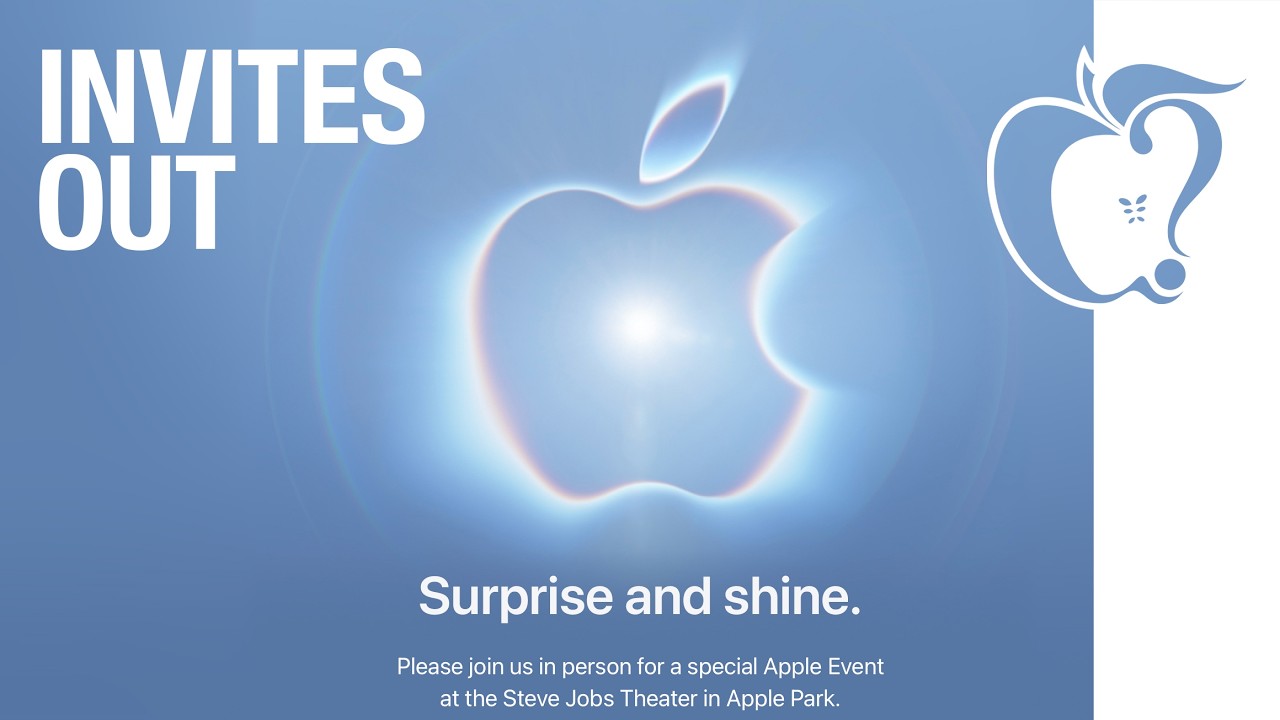
Apple plans to hold its annual iPhone-centric event on Wednesday, September 9 at the Apple Park campus in Cupertino, California. The event will begin at 10:00 a.m. Pacific Time, with select members of the media invited to attend.
Subscribe to the MacRumors YouTube channel for more videos.
The September 2026 iPhone event will see Apple announce the iPhone 18 Pro, the iPhone 18 Pro Max, and the ...
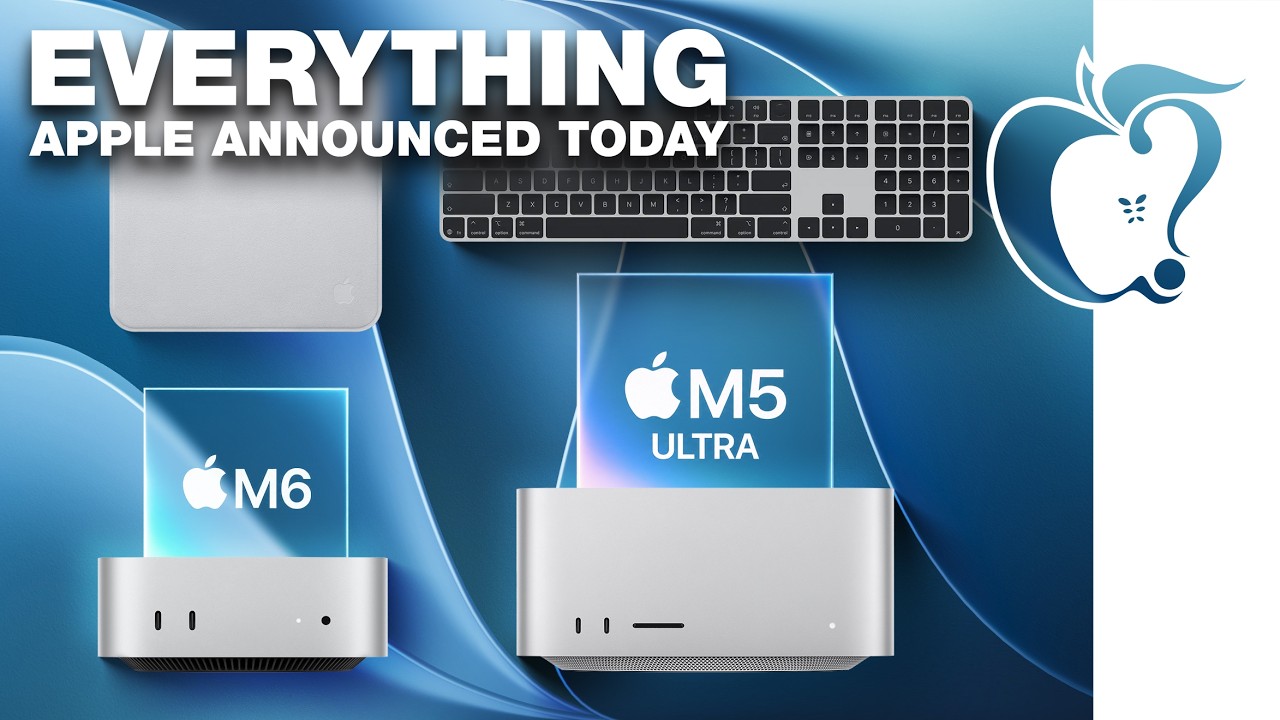
Apple today unveiled a new Mac mini with M6 and M5 Pro chip options, a new Mac Studio with M5 Max and M5 Ultra chip options, a new version of the Polishing Cloth with a lower price, and updated Magic Keyboards for Macs.
To learn more about these products, read our coverage below:
Apple Announces New Mac Mini With M6 and M5 Pro Chips and More
Apple Unveils New Mac Studio With M5 Max and M5...