On iPhone Duo, you can lock the screen orientation of its two displays independently. In other words, the outer display can stay locked in portrait, while the inner display remains free to rotate as you open and reposition the phone.
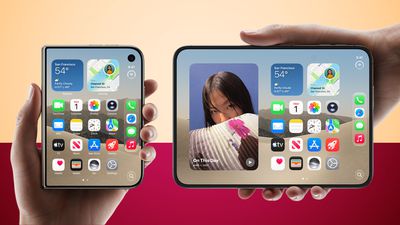
For example, you could keep the outer display locked in portrait for reading while reclining on the sofa, but leave the inner display free to rotate into landscape for watching videos, without having to toggle Orientation Lock each time.
The lock applies only to the display you are using when you enable it, so set each display separately like so:
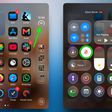
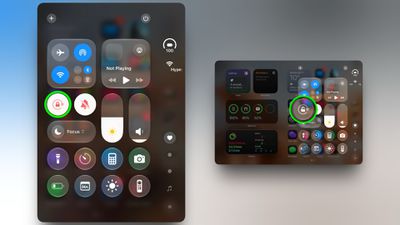
- Open Control Center by swiping down from the top-right corner of the screen or by tapping the circular status bar below the clock.
- Tap the Orientation Lock button (the padlock with a circular arrow around it).
- Repeat on the other display if you want a different setting there.
The only caveat worth keeping in mind is that videos still rotate automatically when the Duo is propped up in "tent mode," regardless of Orientation Lock.
Related Roundup: iPhone Duo
Buyer's Guide: iPhone Duo (Buy Now)
Related Forum: iPhone