

Shazam
By MacRumors Staff
Shazam How Tos

How to Shazam Music From Your Mac's Menu Bar
In macOS Sonoma 14.2, Apple included some additional controls for Shazam music recognition, which is now baked into the Mac operating system more than ever. Here's how to add the functionality to your Mac's menu bar and Control Center.
For those unfamiliar with Shazam, it's an Apple-owned popular service that can identify the names and lyrics of songs, music videos, TV shows, and more,...
Read Full Article (20 comments)
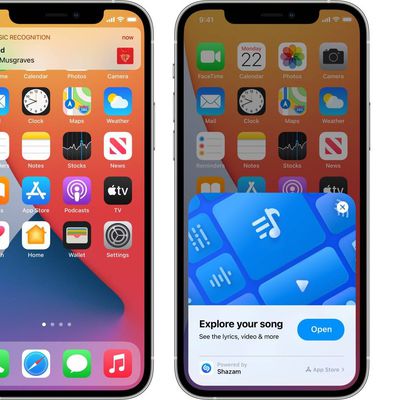
How to View Shazam Music Recognition History on iPhone and iPad
In iOS 14.2 and later, Apple includes a Shazam Music Recognition feature for the Control Center, giving iPhone and iPad users a quick and easy way to identify what music is playing without them having to download the Shazam app.
Music Recognition can be added to Control Center in the Settings app under the Control Center menu. From there, scroll down and tap the + button next to the Music...
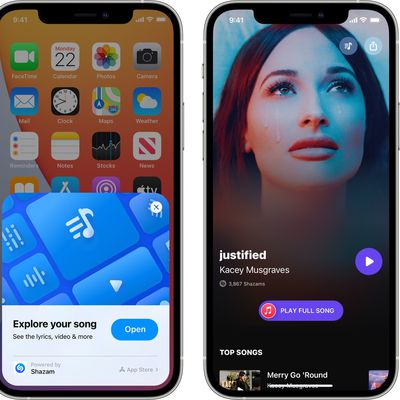
How to Use Shazam on iPhone and iPad Without Downloading the App
In iOS 14.2 and later, Apple includes a new Shazam Music Recognition toggle for the Control Center, giving iPhone, iPad, and iPod touch users a quick and easy way to identify what music is playing without them having to download the Shazam app. This article explains how it works and how to enable it.
For those unfamiliar with Shazam, it's designed to listen for music that's playing,...
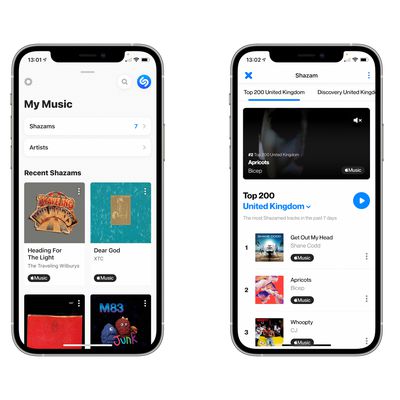
How to Link Shazam to Your Spotify Account
Shazam is an Apple-owned popular service that can identify the names and lyrics of songs, music videos, TV shows, and more, simply by listening to and deciphering whatever is playing.
After you've identified songs in the Shazam app by pressing the big Shazam button, you can use streaming services like Spotify and Apple Music to listen to them. In this article, we're going to show you how to ...
















