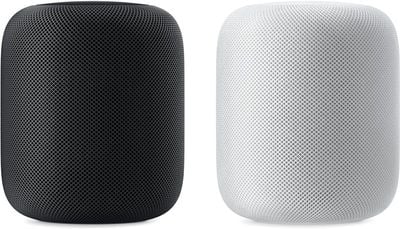
At today's "Gather Round" event at the Apple Park campus in Cupertino, California, Apple CEO Tim Cook highlighted some new features that are coming to the HomePod through a software update set to be released next Monday.
The HomePod will gain a number of new features with the software update, which is going to come alongside iOS 12, tvOS 12, and watchOS 5.
Search for your favorite songs by lyrics using Siri
Create multiple timers
Make and receive phone calls right from the HomePod
Ping your iPhone or any of your Apple devices to find them in your home
HomePod is also going to work with Siri Shortcuts, a feature coming in iOS 12. According to Cook, Siri Shortcuts will "open up a world of apps" for HomePod.
Many of these new features are additions that HomePod users have been hoping for. The HomePod has been the butt of jokes for not being able to support more than one timer at once, and while it could be used as a speakerphone previously, the new phone call functionality will expand its usefulness as a standalone communication device.
All of Apple's fall software updates are set to be released on Monday, September 17, with the exception of macOS Mojave, which will see a release on September 24.
Friday September 4, 2026 2:29 am PDT by Tim Hardwick
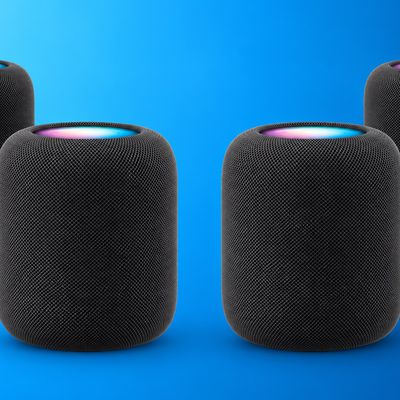
Apple appears to be working on some major new HomePod home theater features, including a four-speaker surround sound system and a new "Party Mode," according to code found in audioOS 27 beta 8, and shared on the MacRumors forums by member pdfu.
References in the software for the second-generation HomePod suggest the ability to tune for a setup with front-left, front-right, rear-left, and...
Friday September 4, 2026 8:25 am PDT by Joe Rossignol
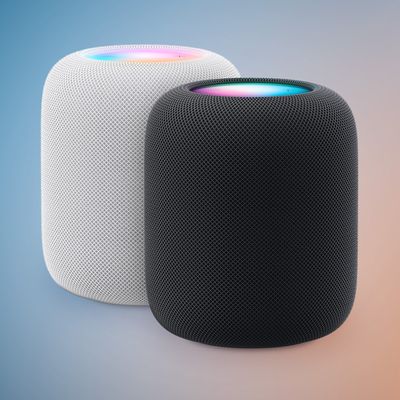
Apple has been testing a new full-sized HomePod with Siri AI support, according to Bloomberg's Mark Gurman.
Unfortunately, in his report outlining upcoming Apple products today, Gurman said the new full-sized HomePod "doesn't appear to be imminent," so do not expect the speaker to be updated soon. The current HomePod was unveiled in January 2023....
Apple today announced the "iPhone Duo," a new kind of iPhone featuring two screens and a foldable inner display.
The two halves of the iPhone Duo connect into a single continuous frame with the same aspect ratio across both displays, and Apple said the transition between open and closed is designed to feel fluid. When fully open, Apple says it is the thinnest iPhone ever made, with an...
just make a homepod without siri. I just want a nice Apple AirPlay2 speaker
You know you don't have to use it, right? You can simply use it as a speaker system if you like.
Using your voice:
[LIST=1] * Say "Hey Siri, stop listening."" * When Siri asks you to confirm, say ""Yes.".
Using the Home app:
[LIST=1] * Launch the Home app on your iPhone or iPad Home screen. * Tap on the Rooms tab, bottom middle. * Swipe to the Room that contains your HomePod. * Long press (or firmly press) on your HomePod. * Tap Details. * Toggle Listen for "Hey Siri" off.