Apple Sells Out of iPad Launch Day Supplies in U.S. Online Store, Now Quoting March 19 Shipping
Apple has now completely sold out of its launch day iPad allotment in its U.S. online store, with all 18 models now offering shipping estimates of March 19 for new orders. Accounting for shipment time, customers placing orders now shouldn't expect them to arrive until the middle of the week following the device's launch next Friday.

A similar situation exists in the Canadian online store, while the stores for Australia and Singapore quote shipping dates of March 22 for all models. Stores for Apple's European launch countries (France, Germany, Switzerland, and the UK) and Japan are all quoting shipping estimates of 2-3 weeks for new orders.
Apple is planning to launch the new iPad in 25 additional countries on March 23, but with new orders in the first round of launches already bumping up against that window, Apple may be hard-pressed to have sufficient stock available to meet launch demand in the second round of debuts.
Popular Stories
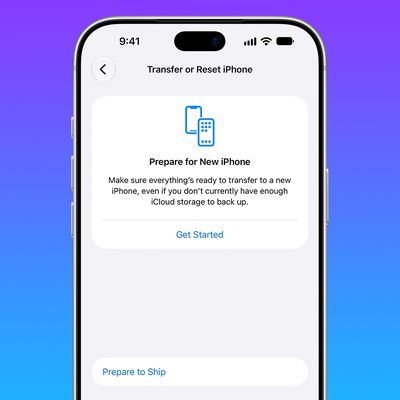
The iPhone 18 Pro Max has a battery capacity over 20 watt-hours, which means there are additional shipping requirements. If an iPhone 18 Pro Max needs to be shipped somewhere, its maximum battery capacity has to be limited through firmware.
According to Apple, the iPhone 18 Pro Max uses an "innovative battery-firmware solution" that limits battery capacity to below 20Wh between when the...
Last month, Apple announced new Mac mini and Mac Studio models, and the computers are finally set to launch this coming Tuesday, September 22.
The new Mac mini is available with M6 and M5 Pro chip options, while the new Mac Studio can be configured with M5 Max or M5 Ultra chips.
To learn more, read our coverage:Apple Announces New Mac Mini With M6 and M5 Pro Chips and More
Apple Unveils ...
Apple hardware engineering VP Tom Marieb spoke with TechRadar and shared some candid thoughts about Apple's upcoming iPhone Duo.
The iPhone Duo uses a matte nano-texture display, which is meant to cut down on glare and minimize the visibility of the crease. When asked if the iPhone Duo's crease would be more visible over time, as that's what tends to happen on other foldables, Marieb said...