iPhone App Pricing and Submission Process
AppleInsider publishes some information released to some developers this week about how they can submit their iPhone/iPod Touch applications to the iTunes App Store.
Applications are submitted via iTunes Connect and do have an absolute size limitation of 2GB. Apps can be limited to specific geographic regions, and information about iPod Touch compatibility and game content ratings can also be specified.
While Apple does give a wide range of pricing options, pricing is restricted to between $0.99 to $999.99 with increments ranging of $1 to $100 depending on relative price differences. Alternatively, applications can also be given away for free. Only a handful of developers have publicly announced specific prices for their iPhone applications, but it appears iPhone games are starting to settle around $9.99.
AppleInsider suggests the iTunes App store will launch on July 11th alongside the iPhone 3G. This date has also been reported by AppleGazette.
Popular Stories
The new Mac mini and Mac Studio models unveiled by Apple this week are the company's first new Macs announced in August since 2020.
It is extremely rare for Apple to announce new products of any kind in August, excluding smaller things like new color options and accessories.
As mentioned, Apple's last notable August product announcement was in 2020, when it updated the 27-inch iMac and a...
Apple plans to hold its annual iPhone-centric event on Wednesday, September 9 at the Apple Park campus in Cupertino, California. The event will begin at 10:00 a.m. Pacific Time, with select members of the media invited to attend.
Subscribe to the MacRumors YouTube channel for more videos.
The September 2026 iPhone event will see Apple announce the iPhone 18 Pro, the iPhone 18 Pro Max, and the ...
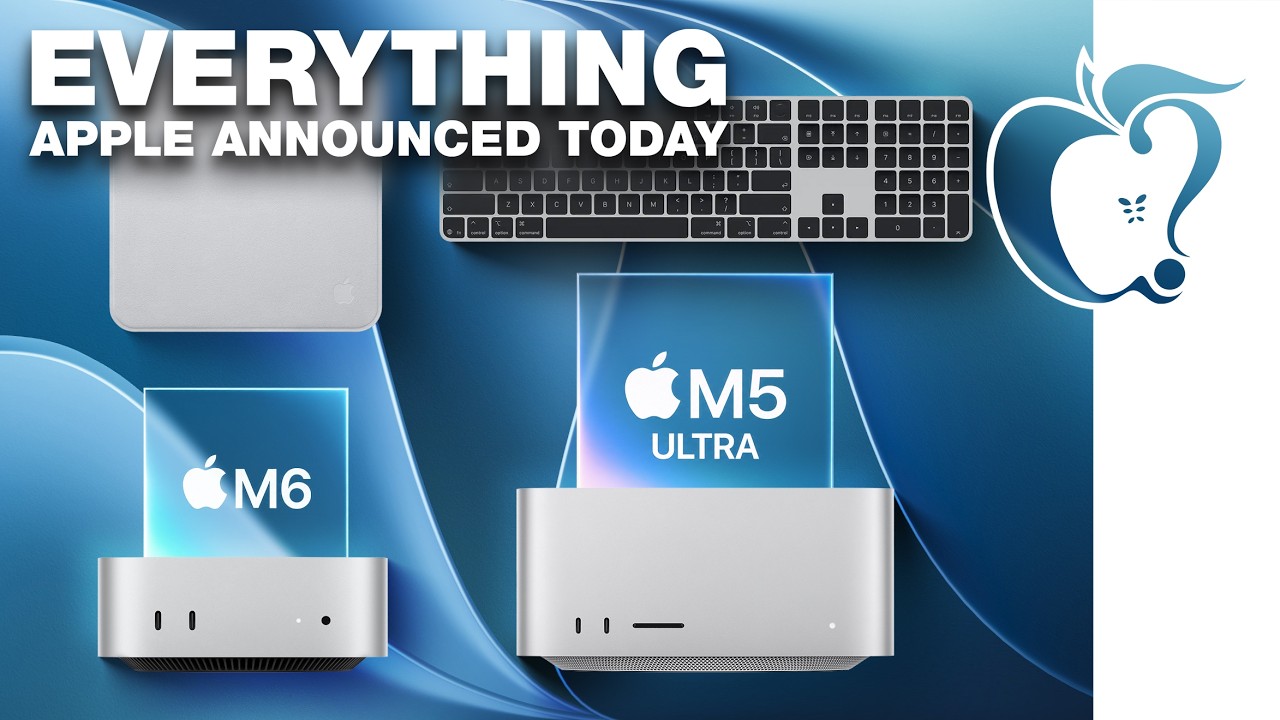
Apple today unveiled a new Mac mini with M6 and M5 Pro chip options, a new Mac Studio with M5 Max and M5 Ultra chip options, a new version of the Polishing Cloth with a lower price, and updated Magic Keyboards for Macs.
To learn more about these products, read our coverage below:
Apple Announces New Mac Mini With M6 and M5 Pro Chips and More
Apple Unveils New Mac Studio With M5 Max and M5...