Tethering your iPhone: Accessing EDGE from your Laptop - MacRumors
Skip to Content

Tethering your iPhone: Accessing EDGE from your Laptop

by

Here's another proof of concept that may become easier to accomplish over time. Cre.ations.net posts instructions on how to tether your iPhone -- allowing you to access EDGE internet from your laptop.

The instructions are a bit involved and require some knowledge of using the various hacking tools that give you more direct access to your iPhone. All the needed links/instructions are posted on the tutorial.

Forum user buzzert has posted a video accomplishing the same task (though we don't know if he used the same tutorial). The video demonstrates him browsing MacRumors from his Mac laptop.

Related Forum: iPhone
Popular Stories

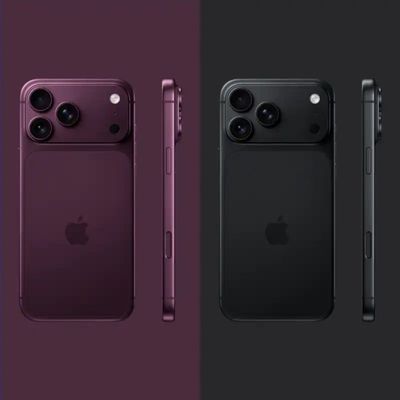
iPhone 18 Pro Deep Red Feature

iPhone 18 Pro Launching Next Month With These 12 New Features

Sunday August 9, 2026 1:45 pm PDT by
It is now August, and that means the iPhone 18 Pro and iPhone 18 Pro Max are just a month away. The devices are expected to look similar to the iPhone 17 Pro and iPhone 17 Pro Max, but there will still be many year-over-year changes, with rumored features including a smaller Dynamic Island, 5G via satellite, and more. Apple is expected to unveil the iPhone 18 Pro, iPhone 18 Pro Max, and a...
iPhone 18 Pro Dark Cherry Feature

iPhone 18 Pro Max's Larger Battery Capacity Allegedly Revealed

Monday August 10, 2026 9:37 am PDT by
The upcoming iPhone 18 Pro Max will be equipped with a nearly 12% larger battery compared to the iPhone 17 Pro Max, according to an apparent leak. An alleged photo of a battery pack for a Chinese model of the iPhone 18 Pro Max with a SIM card tray lists a capacity of 5,391 mAh, up from 4,823 mAh for the equivalent iPhone 17 Pro Max battery. The photo was shared on the Korean platform Naver...
iOS 27 Feature Cool

Everything New in iOS 27 Beta 5

Monday August 10, 2026 3:02 pm PDT by
We're a little over a month away from the launch of iOS 27, and Apple is continuing to make changes. The fifth beta of iOS 27 changes the look of some app icons and adjusts Liquid Glass, plus it adds some smaller features that make the iPhone just a little nicer to use. App Icons There are updated Liquid Glass icons for Safari, Siri, Settings, Remote, App Store, and Preview. Some of the...