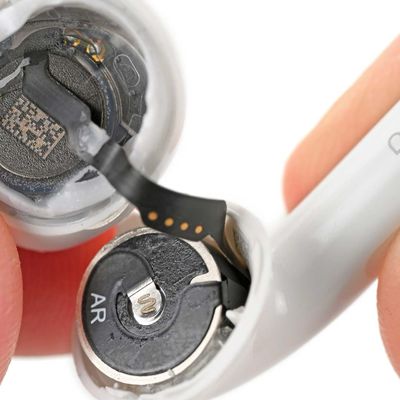
Apple's original AirPods, AirPods 2, AirPods 3, and AirPods Pro all have a reset function that returns them to their factory settings. This can come in handy if you're handing down the wireless earphones to someone else or you're having any sort of problem with them.
Here's a video walkthrough of how to reset AirPods and AirPods Pro:
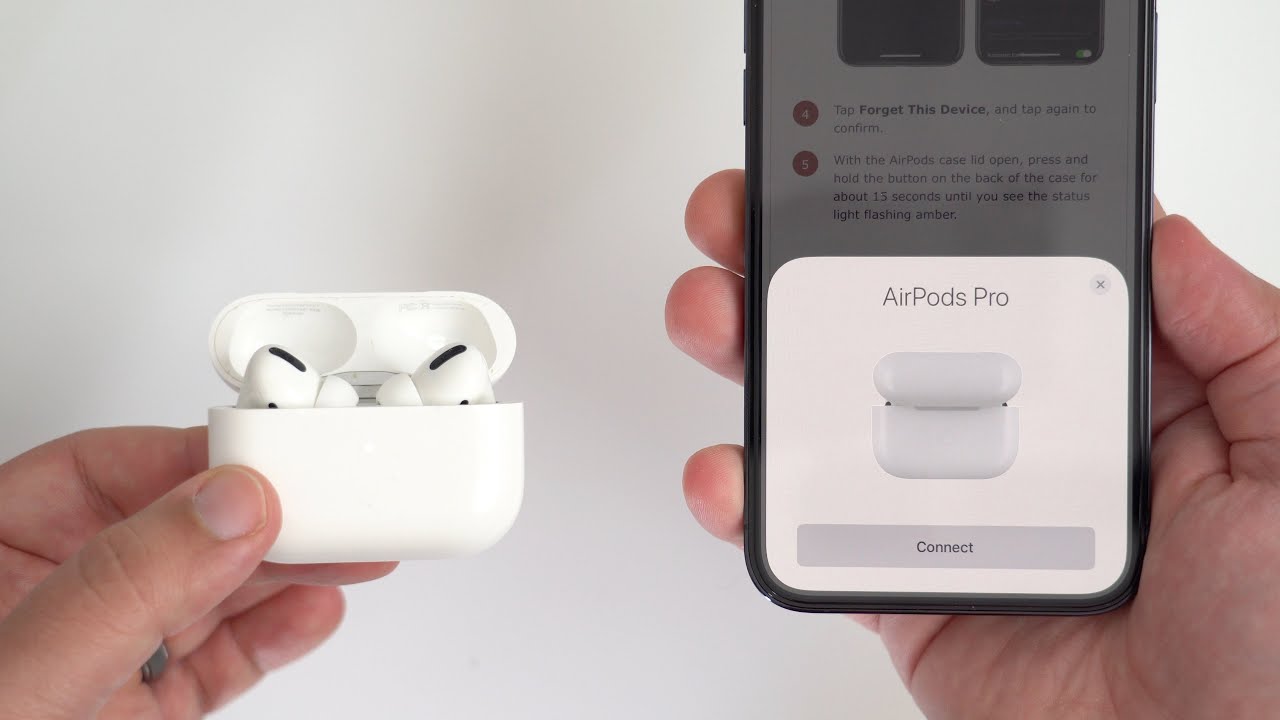

How to Reset AirPods and AirPods Pro
- Put your AirPods in their case and close the lid.
- Wait 30 seconds, then open the lid.
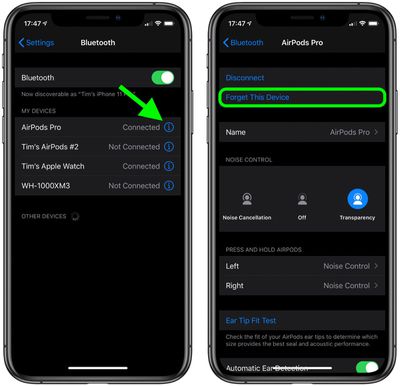
- On your iOS device, go to Settings -> Bluetooth and tap the circled "i" icon next to your AirPods.
- Tap Forget This Device, and tap again to confirm.
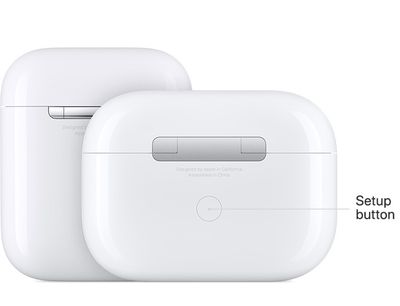
- With the AirPods case lid open, press and hold the button on the back of the case for about 15 seconds until you see the status light flashing amber. If your AirPods case charges only over a wired connection, the status light is inside the case between the AirPods. If you have AirPods Pro or your AirPods case charges wirelessly, the status light is on the front of the case.
- With the case lid open, place your AirPods close to your device and follow the steps on your device's screen to reconnect your AirPods.
And that's all there is to it. Note that now the AirPods are reset they will no longer automatically recognize any of the devices linked to your iCloud account. Opening the AirPods case near an iOS device will initiate the setup process, just like the first time you used them.
Want new AirPods or AirPods Pro?
Check our constantly updated guide for best deals on AirPods.
Related Roundup: AirPods 5
Buyer's Guide: AirPods (Buy Now)
Related Forum: AirPods