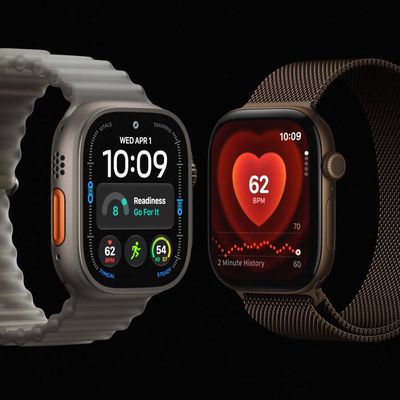
If you're thinking of buying an Apple Watch but you're not sure if your iPhone is compatible with the one you want, you've come to the right place. This article lists each iPhone model and the Apple Watch models that are compatible with each device.
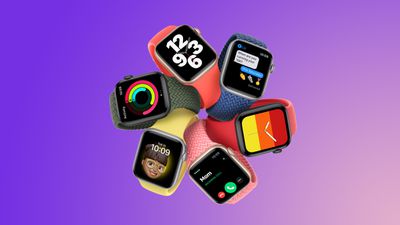
iPhone 5
- Apple Watch (1st generation)
- Series 1
- Series 2
iPhone 5s
- Apple Watch (1st generation)
- Series 1
- Series 2
- Series 4 (GPS)
iPhone 6 / iPhone 6 Plus
- Apple Watch (1st generation)
- Series 1
- Series 2
- Series 4 (GPS)
- Series 4 (GPS + Cellular)
iPhone 6s / iPhone 6s Plus
- Apple Watch (1st generation)
- Series 1
- Series 2
- Series 3
- Series 4 (GPS)
- Series 4 (GPS + Cellular)
- Series 5
- Series 6
- SE (1st generation)
- Series 7
iPhone 7 / iPhone 7 Plus
- Apple Watch (1st generation)
- Series 1
- Series 2
- Series 3
- Series 4 (GPS)
- Series 4 (GPS + Cellular)
- Series 5
- Series 6
- SE (1st generation)
- Series 7
iPhone 8 / iPhone 8 Plus
- Apple Watch (1st generation)
- Series 1
- Series 2
- Series 3
- Series 4 (GPS)
- Series 4 (GPS + Cellular)
- Series 5
- Series 6
- SE (1st generation)
- Series 7
- Series 8
- SE (2nd generation)
- Ultra
iPhone X
- Apple Watch (1st generation)
- Series 1
- Series 2
- Series 3
- Series 4 (GPS)
- Series 4 (GPS + Cellular)
- Series 5
- Series 6
- SE (1st generation)
- Series 7
- Series 8
- SE (2nd generation)
- Ultra
iPhone XS or Later
- Apple Watch (1st generation)
- Series 1
- Series 2
- Series 3
- Series 4 (GPS)
- Series 4 (GPS + Cellular)
- Series 5
- Series 6
- SE (1st generation)
- Series 7
- Series 8
- SE (2nd generation)
- Ultra
- Series 9
- Ultra 2
Always keep your iPhone's software up-to-date with the latest supported version of iOS, otherwise it may not pair with a compatible Apple Watch. You can do this in your iPhone's Settings app (General ➝ Software Update). The same goes for the Apple Watch you choose. You can check the version of watchOS that it is running by going to the Watch app on your iPhone (My Watch ➝ General ➝ Software Update).
Related Forum: Apple Watch