Apple has announced macOS Tahoe 26 at WWDC 2025, introducing a striking visual redesign alongside expanded Apple Intelligence capabilities and new Continuity features that further integrate Mac and iPhone workflows.

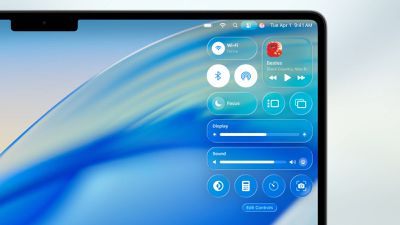
The update centers around what Apple calls a "gorgeous new design" built with Liquid Glass, a translucent material that reflects surrounding elements. The Dock, sidebars, and toolbars have been refined to emphasize content, while a completely transparent menu bar makes displays feel larger. Users gain extensive personalization options, including colorful app icon tints, customizable folder colors with emoji symbols, and enhanced Control Center layouts.
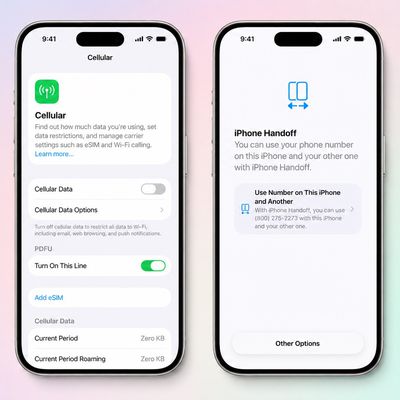
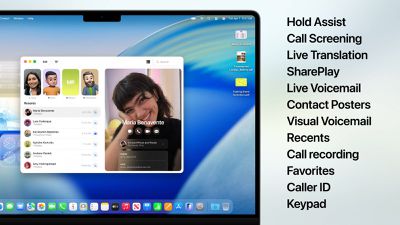
Continuity receives significant upgrades with the Phone app arriving on Mac, bringing familiar iPhone features like Recents, Contacts, and Voicemails. New capabilities include Call Screening, which automatically answers unknown calls and gathers caller information, and Hold Assist, allowing users to maintain their position in phone queues while continuing Mac work.
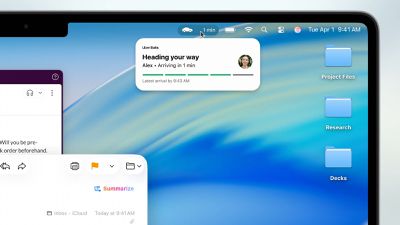
Live Activities from iPhone now appear in the Mac menu bar, displaying real-time updates for flights, ride-sharing, and sports scores. Clicking these activities opens iPhone Mirroring for additional details and actions.
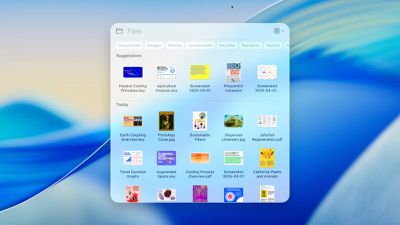
Spotlight undergoes its most substantial update ever, intelligently ranking all search results together while introducing filtering options for specific file types. Users can now execute hundreds of actions directly from Spotlight – sending emails, creating notes, or playing podcasts – without switching apps. The feature learns user routines and surfaces personalized actions, plus introduces "quick keys" for rapid access to frequent tasks.
Apple Intelligence expands with Live Translation across Messages, FaceTime, and Phone calls, automatically translating conversations in real-time while maintaining privacy through on-device processing. Shortcuts become more powerful with intelligent actions that tap directly into Apple Intelligence models for complex automation.
Genmoji and Image Playground receive enhancements, allowing users to modify existing emoji and access new creative styles including oil painting and vector art through ChatGPT integration. Apple Intelligence can also identify action items from emails and websites, automatically organizing Reminders into manageable categories.
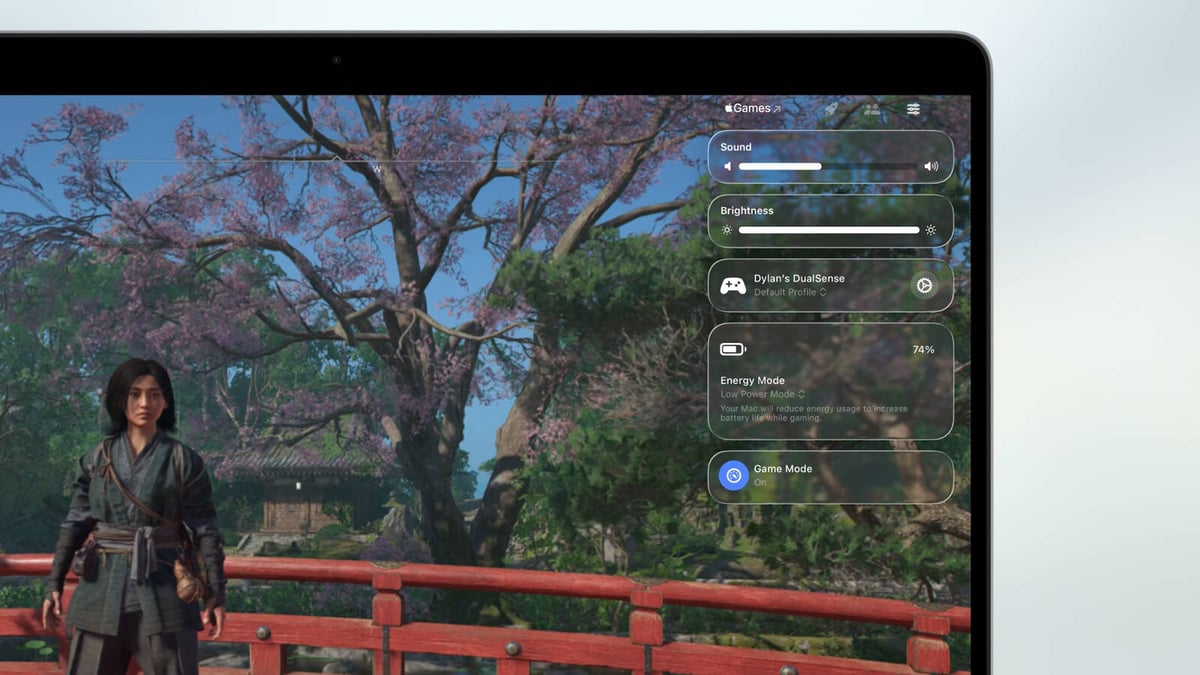
A new Apple Games app centralizes gaming experiences with personalized recommendations and social features. The Game Overlay provides quick access to system settings and friend interactions without leaving games, while Low Power Mode extends battery gaming sessions.
Additional updates include Safari's 50% faster loading speeds and four additional hours of video streaming battery life compared to Chrome, the Journal app arrives on Mac with multi-device sync, Messages comes with backgrounds and polls, and accessibility improvements include Magnifier and Braille Access enhancements.
macOS Tahoe 26 enters developer beta today, with public beta availability next month and general release planned for fall 2025.