Video Demos macOS Catalina Running on iPad Pro via x86 Emulation
A video demonstrating macOS Catalina running on a current 2020 iPad Pro has been shared on YouTube, giving us a look at an interesting hack that has a Mac OS up and working on one of Apple's iPads.
There's limited information about how the process of getting macOS Catalina on an iPad Pro works, but it uses x86 emulation and was done through
the UTM software that allows virtual machines to run on iOS.
Booting up into macOS Catalina took a full 20 minutes, though the original creator says that it has since been optimized and now takes approximately 5 to 7 minutes. The video is over 37 minutes long due to how slow macOS Catalina is on the iPad, and it is not a functional or usable installation at this time, but it's interesting to see the macOS operating system on an iPad Pro.
Popular Stories
Earlier this week, we began tracking early Prime Day deals on Apple-related accessories, and now Amazon has introduced major early deals on Apple products as well. This includes AirPods, iPads, MacBooks, and more, all available at some of the lowest prices of the year so far.
Note: MacRumors is an affiliate partner with Amazon. When you click a link and make a purchase, we may receive a small...
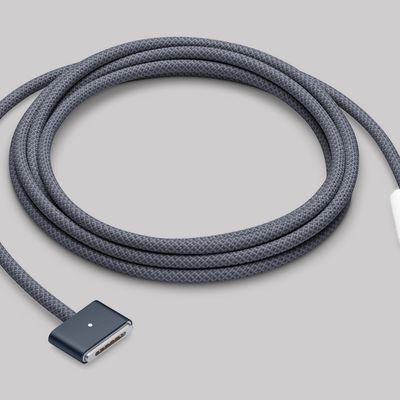
For the first time since February 2023, Apple has released a firmware update for the MagSafe 3 charging cable for the MacBook Pro and MacBook Air.
Specifically, Apple last week released firmware version 3.2.0 for the USB-C to MagSafe 3 Cable. The previous firmware version for the cable was 3.1.12.
It is unclear what is included in the latest firmware, as Apple does not publish release...
Last week, Bloomberg's Mark Gurman reported that Apple plans to unveil an all-new smart home hub, a new HomePod mini, and a new Apple TV 4K on Tuesday, October 13.
In his Power On newsletter today, Gurman specified that "Apple is planning to hold an event" that...