Apple Seeds First Beta of tvOS 13 to Developers
Following today's WWDC keynote event that saw the introduction of iOS 13, macOS 10.15, watchOS 6, and tvOS 13, Apple has seeded the first beta of the new tvOS 13 operating system to developers.
Designed for the fourth and fifth-generation Apple TV, the new tvOS 13 developer beta can be downloaded onto the Apple TV via a profile that's installed using Xcode.
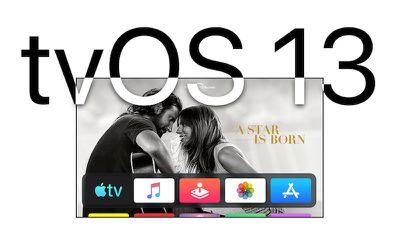
tvOS 13 introduces multi-user support for the first time, along with an immersive new Home screen experience. With multi-user support, each family member can access their own TV shows, movies, music, and recommendations.
Apple has added support for Apple Arcade, and the Apple TV now supports PlayStation and Xbox controllers. There are also new under-the-sea themed 4K HDR screensavers.
The tvOS 13 update is limited to developers right now, but Apple will provide a public beta of the software to public beta testers later this summer. tvOS 13 will see a fall launch alongside iOS 13, macOS 10.15, and watchOS 56
Popular Stories
Apple today seeded the fifth beta of tvOS 27 to developers for testing purposes, with the update coming two weeks after Apple released the fourth beta.
The beta can be downloaded and installed through the Settings app on the Apple TV. A free developer account is required.
tvOS 27 has few new features compared to the other 27 software updates, but it does add a redesigned Podcasts app,...
Apple today released the third public betas of tvOS 27 and watchOS 27, giving Apple TV and Apple Watch users a chance to try the new software ahead of its fall launch. There's also a new HomePod Software 27 beta for the HomePod and HomePod mini.
You can sign up for Apple's public beta testing program on the beta website, and then download the updates through the Settings app on each device.
...
Apple today released tvOS 26.6, the sixth update to the tvOS operating system that came out last fall. tvOS 26.6 is available for the Apple TV 4K, and it comes two months after Apple released tvOS 26.5.
tvOS 26.6 can be downloaded using the Settings app on Apple TV. Open up Settings and go to System > Software Update to get the new software. Apple TV owners who have automatic ...