Apple Releases New watchOS 4.3.2 Software for Apple Watch
Apple today released watchOS 4.3.2, a small update to the watchOS 4 operating system that runs on the Apple Watch. watchOS 4.3.2 comes more than one month after the release of watchOS 4.3.1, a minor update.
watchOS 4.3.2 can be downloaded through the dedicated Apple Watch app on the iPhone by going to General --> Software Update. To install the new software, the Apple Watch needs to have at least 50 percent battery, it needs to be placed on a charger, and it needs to be in range of the iPhone.
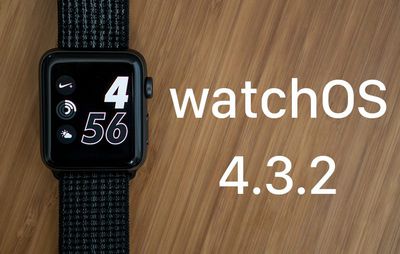
As a 4.x.x update, watchOS 4.3.2 is minor in scale, focusing on bug fixes and under the hood performance improvements. No major new features were discovered during the beta testing period.
watchOS 4.3.2 may be one of the last updates to the watchOS 4 operating system now that Apple has shifted its focus to watchOS 5. watchOS 5 is available to developers and will see a public release this fall.
Introduced at the Worldwide Developers Conference in June, watchOS 5 brings a push-to-talk Walkie-Talkie mode, support for automatic workout detection, a Podcasts app, new features for the Siri watch face, and more. For full details on what's coming in watchOS 5, make sure to check out our watchOS 5 roundup.
Popular Stories
The new Apple Watch Series 12 and Apple Watch Ultra 4 have hardware changes that allow for faster charging, but you will need to use the new version of the Apple Watch Magnetic Fast Charger included in the box in order to achieve this boost. If you need extra ones for your own charging stands or travel or so forth, Apple released the new version of the charger on its online store last week, with...
Apple released watchOS 27 on September 14, bringing a new Audio Intelligence feature set to its latest Apple Watch models, but as a result, owners of previous models are set to lose out doubly in the process.
Apple Watch Series 12 and Ultra 4 models later this year will get Live Rewind, a feature that provides a transcript of any spoken audio that was picked up by the device in the last 15...
The Apple Watch Series 12 came out today, and we picked one up to get a look at the new feature set. There are no major external changes, but Apple updated the device's internals and health sensors.
Subscribe to the MacRumors YouTube channel for more videos.
The Apple Watch Series 12 has the same design as the Series 11, but it does come in different colors. The aluminum models are available...