Apple has released a minor update to its iTunes software. According to Apple, "iTunes 7.3.1 addresses a minor problem with iTunes 7.3 accessing the iTunes Library." The update can be downloaded from Apple's website for Mac or PC, or via Software Update.
Apple also released Quicktime 7.2, which addresses critical security issues and delivers: - Support for full screen viewing in QuickTime Player - Updates to the H.264 codec - Numerous bug fixes
The update can be downloaded from Apple's website for Mac or PC, or via Software Update. More information regarding the security fixes can be found here.
Pre-orders of Apple's iPhone 18 Pro may not open until Saturday, September 12, a day later than the company's usual schedule, according to a new report.
Apple is set to hold its annual iPhone event on Wednesday, September 9, where the iPhone 18 Pro models, its first-ever foldable iPhone, and the Apple Watch Series 12 and Ultra 4 are all expected to be announced.
Under Apple's typical...
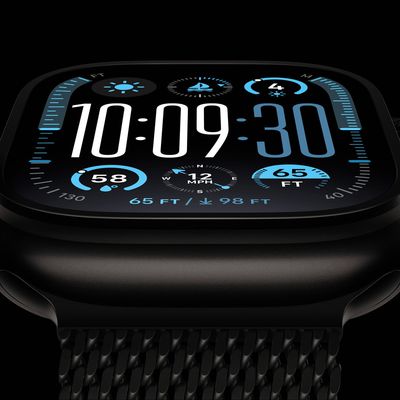
Bloomberg's Mark Gurman today further outlined what to expect from the Apple Watch Series 12 and Apple Watch Ultra 4 set to be unveiled on September 9.
While it was initially rumored that Touch ID may be coming to the Apple Watch this year, Gurman reiterated that he does not expect the Series 12 or Ultra 4 to have any major design changes compared to the current Series 11 and Ultra 3 models.
...
Thursday August 27, 2026 8:00 am PDT by Joe Rossignol
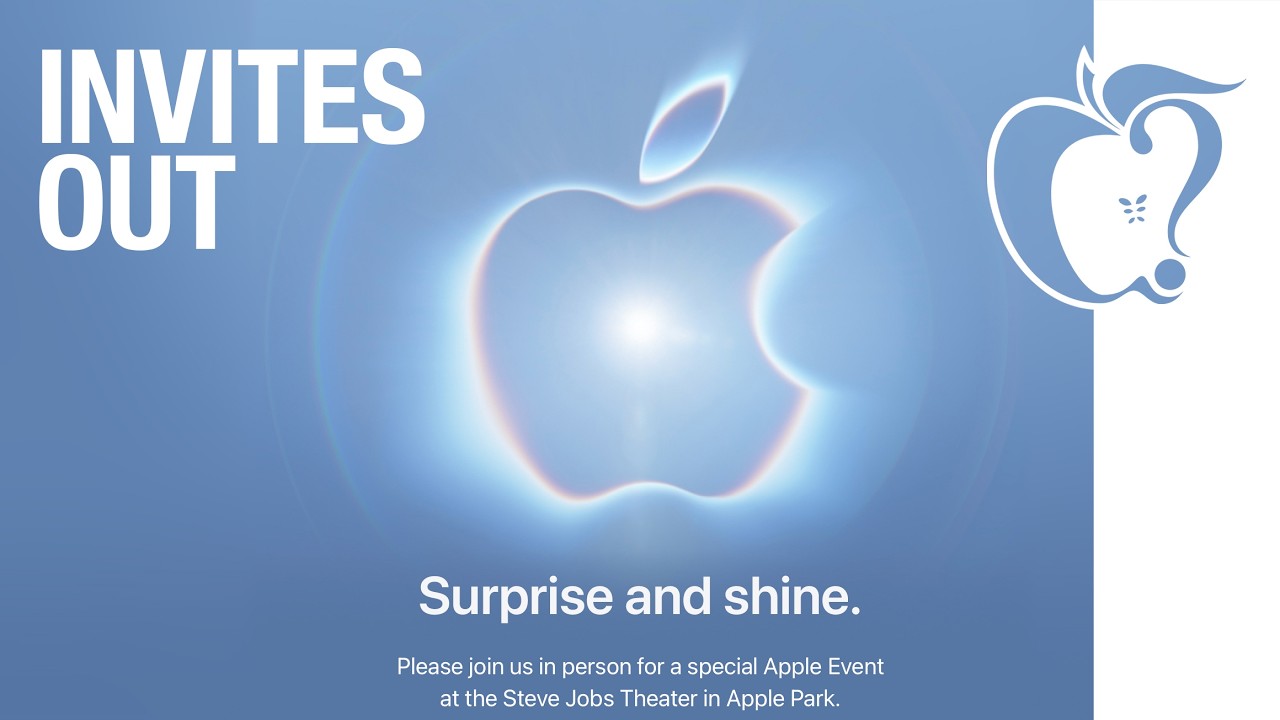
Apple has announced that it will be holding an event on Wednesday, September 9 at 10 a.m. Pacific Time, with the company widely expected to unveil the iPhone 18 Pro, iPhone 18 Pro Max, its first-ever foldable iPhone, and more.
Other products expected to be announced at the event include an Apple Watch Series 12 with a ceramic case option, an Apple Watch Ultra 4, AirPods 5 with and without...