More Leopard Features and Screenshots - MacRumors
Skip to Content

More Leopard Features and Screenshots

While early looks at Leopard have provided focus on the major features announced by Apple, the following minor features may prove to be interesting to day-to-day Mac users. Reports of the Leopard Developer's preview is that it is remarkably solid, and the user interface is more responsive ("snappier") than Tiger (Mac OS X 10.4).

Reports indicate that the Finder and Front Row are exactly the same as the Tiger versions, suggesting that unannounced improvements could be in store for them by Leopard's final release.

The following screenshots highlight new and interesting features:

iChat:

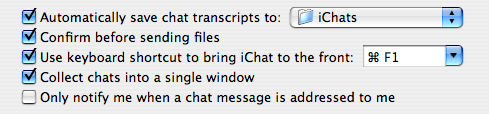
iChat prefs - with auto transcript saving
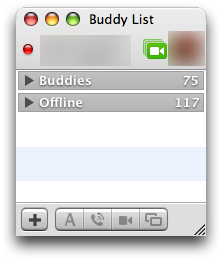
List of Buddies
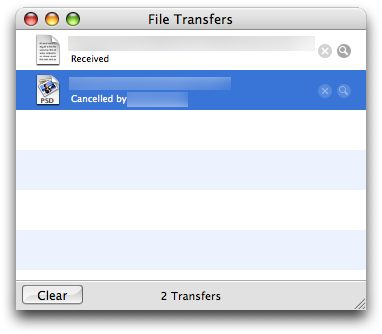
iChat File Transfers
Emoticons
User Profile

Safari:

Bookmarks window
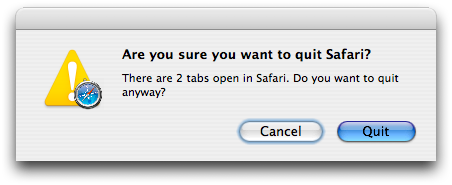
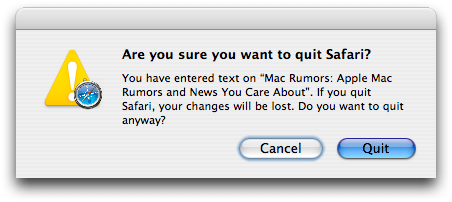
Confirm - Safari warning for closing tabs
Confirm #2 - Safari warning for losing Form data
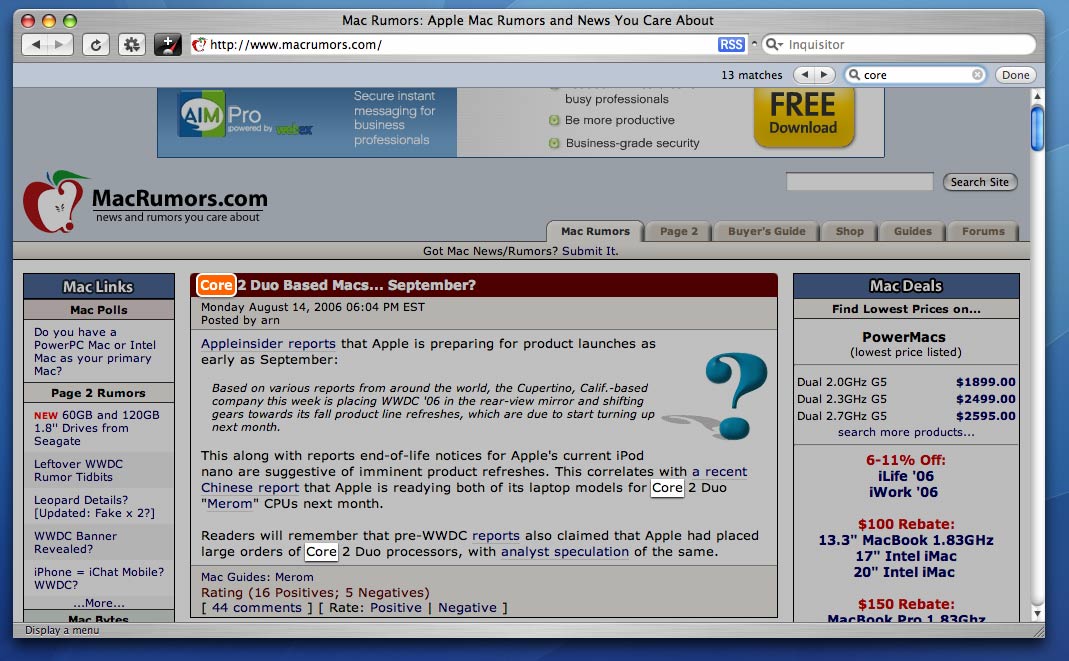
Safari Find - Find hilights words on the webpage
Loading - optional small icon showing load progress. Usual blue progress bar by default.
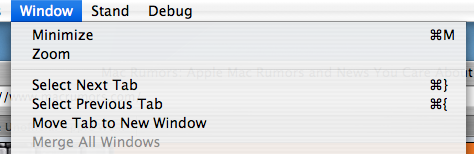
Window menu
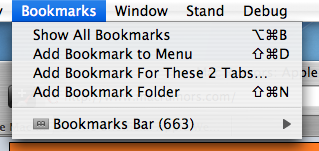
Bookmark Tabs

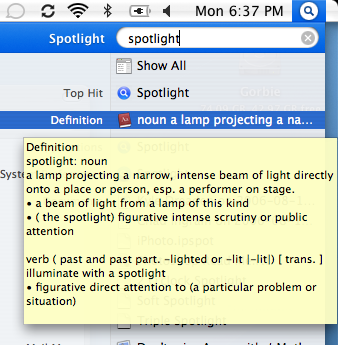
Spotlight:

Spotlight Window
Spotlight Menu
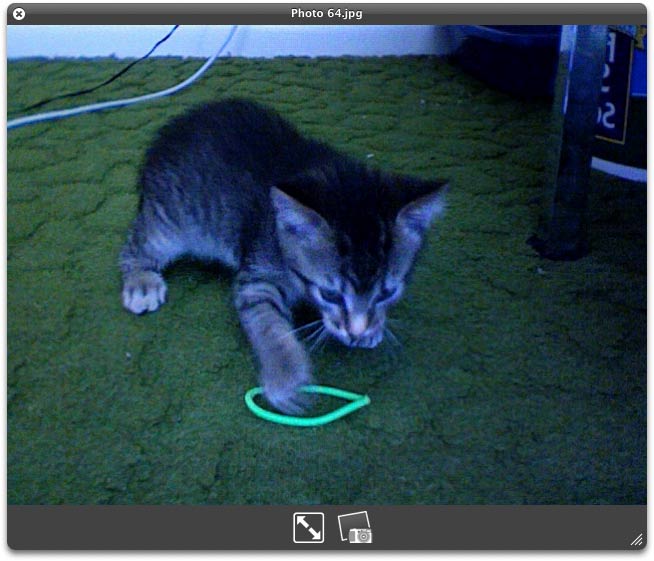
Spotlight Quick Look.

Misc:

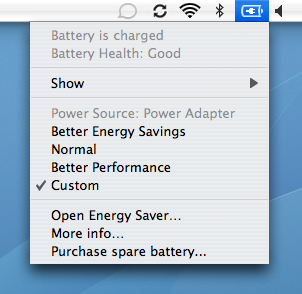
Battery Meter.
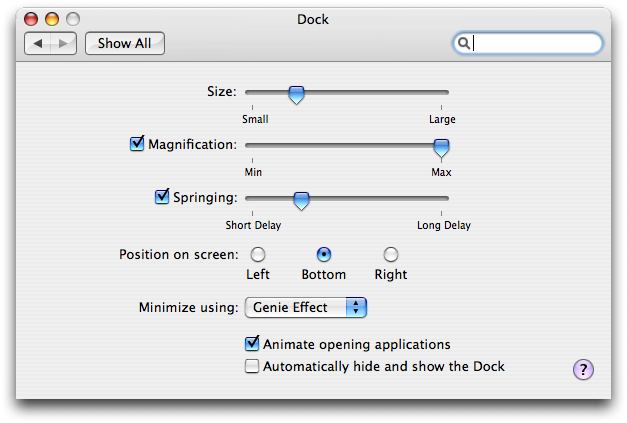
Dock Preferences - with addition of "Springing" option.
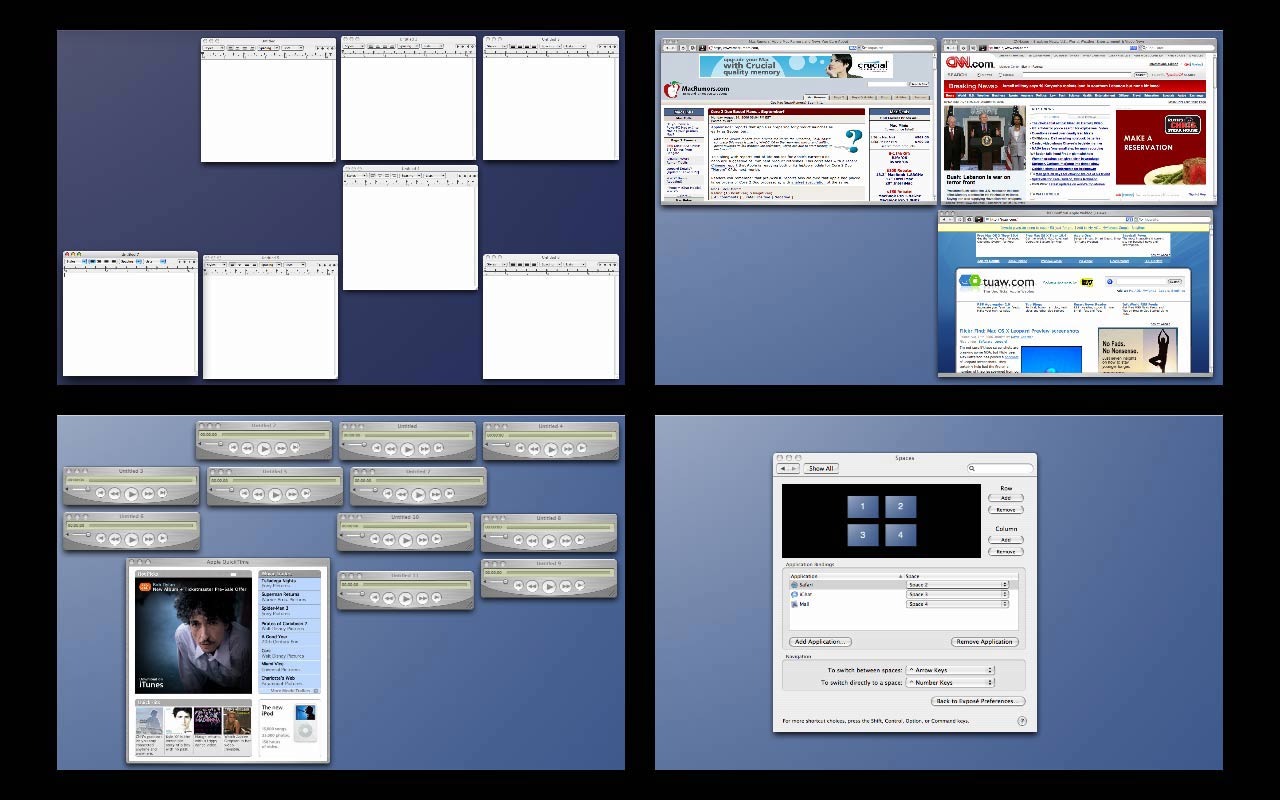
Invoke expose in Spaces
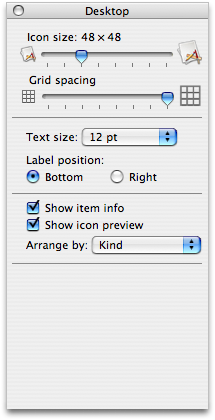
Finder Prefs - Grid spacing
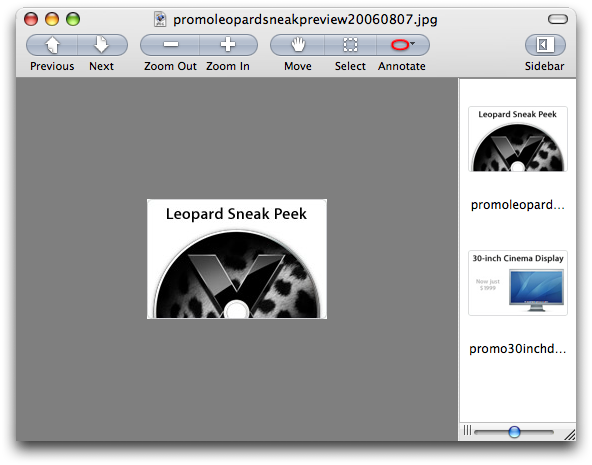
Preview - improved buttons
Group Move in Spaces - hold command and drag a group of windows.
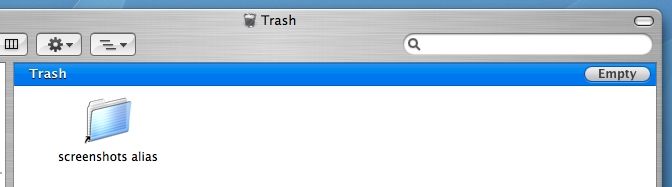
Leopard Trash Window - now with Empty button
Other Preference Panes: Time Machine Prefs, Spaces Prefs


Popular Stories

Aston Martin CarPlay Ultra Screen

Apple Says CarPlay Ultra is Coming to These Vehicle Brands

Thursday May 21, 2026 11:53 am PDT by
Last year, Apple launched CarPlay Ultra, the long-awaited next-generation version of its CarPlay software system for vehicles. Nearly a year later, CarPlay Ultra is still limited to Aston Martin's latest luxury vehicles, but that should change fairly soon. In May 2025, Apple said many other vehicle brands planned to offer CarPlay Ultra, including Hyundai, Kia, and Genesis. CarPlay Ultra...
ios 26 iphone 16 pro lock screen notifications feature 1

iOS 27 Notifications Will Slide in From Left Side of Your iPhone's Screen

Friday June 5, 2026 7:24 am PDT by
Bloomberg's Mark Gurman today revealed another iOS 27 change: notifications will slide in from the left side of the screen instead of from the top. In addition, accessing Notification Center on iOS 27 will require swiping down on the top-left corner of the screen. If you swipe down on the Dynamic Island area, a new "Search or Ask" interface tied to the revamped Siri will appear, instead of...
WWDC26 Mock Feature 2

Will Apple Launch New Hardware at WWDC Next Week?

Friday June 5, 2026 7:56 am PDT by
Apple has several hardware releases in the pipeline, but will we see any of them unveiled at this year's Worldwide Developers Conference? WWDC is primarily a software event where new versions of iOS, iPadOS, macOS, watchOS, tvOS, and visionOS take center stage, but it's not unusual for Apple to introduce new hardware during the developer conference. Take WWDC 2017, for example, where Apple...