

TomTom's highly-anticipated GPS app for the iPhone finally made it to the App Store last week. First announced WWDC on June 8, TomTom's demo video during the event promised a slick app that mimicked the look of its standalone-GPS products and applications for other smartphone platforms while promising an appropriately iPhone-esque interface. We've had a chance to put the app through some initial paces to see how it performs.
Download and set-up
The TomTom app for the U.S. and Canada takes some time to download given its 1.21 GB size. The size of the app is attributed mostly to the map data it holds, carrying street-level data for the all of the U.S. and Canada, including points of interest (POIs). It can be installed on to iPhone 3GS and 3G models, though would not install on a first-generation iPhone.
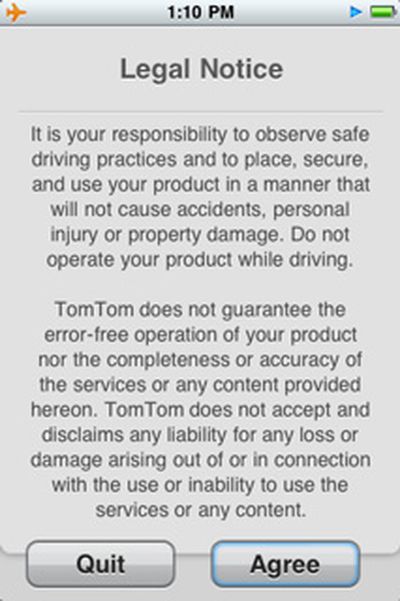
Opening the app for the first time prompts a legal advisory to pop up, which must be acknowledged in order to proceed. After this, you are free to roam about and explore the app, with no settings prompts or "getting started" information shown. The voice is set to "Lori," a female American English voice by default. If you want to change the voice, you have a whopping 75 from which to choose in languages from Afrikaans to Vlaams. There are 11 voice selections that speak English available, though none of these are computerized voices capable of pronouncing street names. Changing the voice guidance language does not change the language of the app's English interface.

First trips
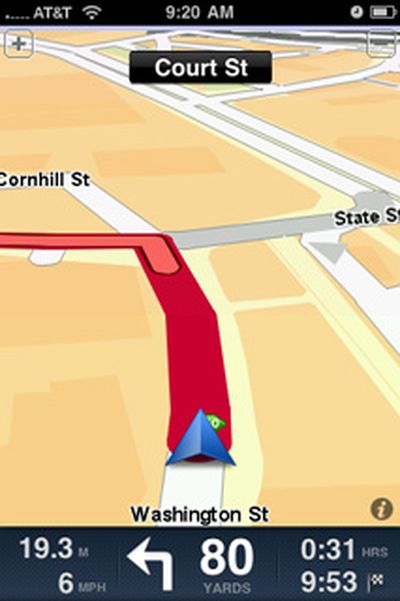
On our first trips out using the TomTom app to navigate, getting a GPS fix in suburban Boston under clear skies took under 30 seconds. Relative to well-known surroundings, the app showed an accurate location most of the time, with only a couple of moments when the icon representing our location appeared off to the side of the current road. The graphics are sharp and professional, though tracking is just a wee bit jumpy on the 32GB iPhone 3GS used for testing, though this does not hamper navigation in any way. Switching between landscape and portrait mode is smooth when the iPhone's orientation is changed.
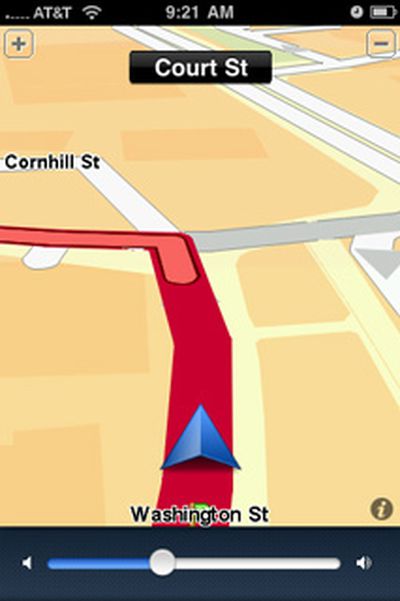
The volume of voice guidance is loud enough to be heard over music playing at a low volume through the car's stereo. Adjusting the voice's volume can be accomplished using the iPhone's volume rocker though you must do this while the voice is speaking, otherwise you'll only adjust the ringer volume. If you tap on the lower left corner of the information pane at the bottom where navigation information is shown, you'll get an on-screen volume slider that will adjust the voice's volume directly.
Music from the iPod application can be played during navigation, though it stops instantly when voice guidance is given, and then starts playing again right after. This is a pretty abrupt way to handle voice guidance and a fade-in/out effect would be less startling and easier on the ears.
When a call is received, navigation guidance stops and the standard iPhone incoming call screen is shown. If the call is accepted, the phone app takes precedence, displaying the standard in-call screen. Once the call has ended or an incoming call is rejected, Tomtom opens up on its own immediately, and navigation resumes once it obtains a GPS fix. The same behavior is exhibited if a call is initiated via a Bluetooth accessory, such as a car kit.
Unscientific eyeballing of the iPhone's built-in battery percentage meter showed about a 5% drop for every 10 minutes of guidance with Wi-Fi and Bluetooth on and connected to the car's Bluetooth system. Turning Wi-Fi and Bluetooth off should improve battery life during navigation, but connecting your iPhone to a power source would be wise to avoid a dead battery in the middle of navigating an unfamiliar place for all but the shortest trips.
Interface and features
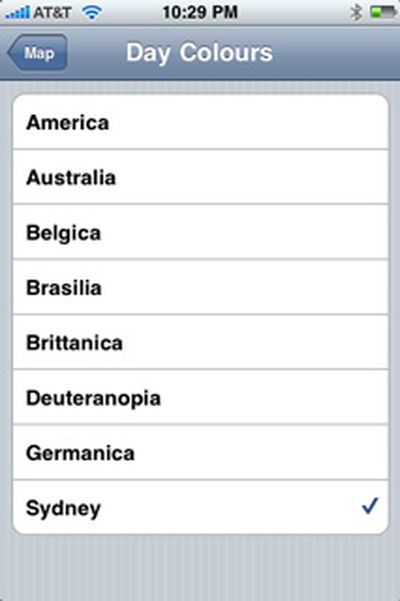
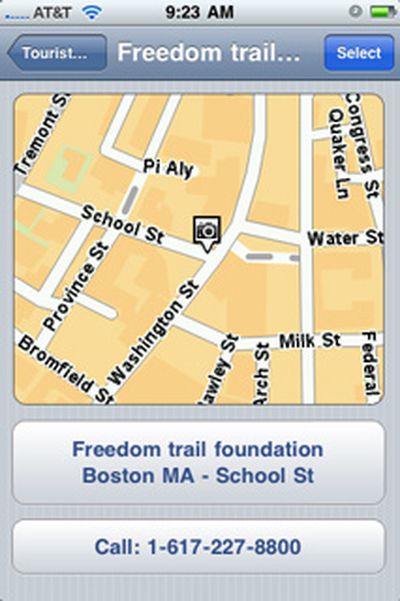
The TomTom app offers an interface that will be very familiar to anyone who has ever used a TomTom stand-alone device or app on another smartphone or PDA platform before. The ability to change the day and night color schemes is present, although a setting to allow the app to automatically switch between day and night color schemes using the iPhone's ambient light sensor seems to be missing. At first glance, POI data appears to be robust, allowing us to easily find retail store chain and government office locations. Many POIs have phone numbers, which can automatically be called through a shortcut button in the POI summary view.
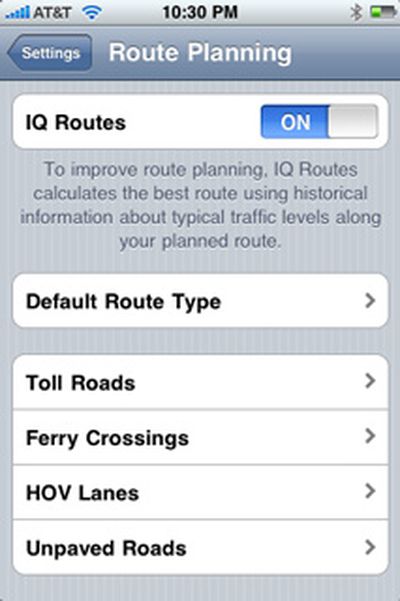
Also included is IQ Routes, a relatively recent offering from TomTom that promises to provide optimal route guidance based on historical traffic information for the route you need to travel. Looking at other features offered on their stand-alone units, the TomTom iPhone app has not inherited text-to-speech voice guidance nor live traffic information.
Initial thoughts
So far, the TomTom app shows promise, though it has some heavy competition from Navigon, Sygic, CoPilot and many others. Currently priced at $99, TomTom is the most expensive navigation app available for the U.S., coming in at over $60 more than the least expensive full-featured GPS app that covers the U.S. and Canada, CoPilot Live, which is priced at $34.99.
The accessory cradle, which will have its own GPS chip, a loudspeaker, and ports for charging and audio output, is not yet available nor is its price known though unconfirmed information points to a possible price of 99 + VAT for the cradle and app together and compatibility with the iPod touch. TomTom put out a new video of the cradle a few days ago, highlighting its features:
The upcoming main review of the TomTom app will include more information about the app's settings, customization options, POI database, as well as a more in-depth look at the app's performance on the road and its advance planning features.
The TomTom app for the U.S. and Canada can be found here (link opens iTunes) and costs $99.

































![Apple Pulls Keynote, Pages and Numbers From App Store [Update: Back]](https://images.macrumors.com/t/Okb7kitB_gNr6qe5Pex9nQIysD8=/112x112/article-new/2026/01/Apple-Creator-Studio-iWork-suite.jpg)










