Apple Launches Free iPhone 4 Case Program
Apple has launched their iPhone 4 case program on their site at
http://www.apple.com/iphone/case-program/. The program offers iPhone 4 customers an
App Store App that lets them apply for their free iPhone 4 bumper case.
1. Download the iPhone 4 Case Program app from the App Store.
2. Launch the app on your iPhone 4 and sign in using your iTunes Store account or Apple ID.
3. Select your Bumper or case.
For iPhone 4 purchases made before July 23, 2010, you must apply no later than August 22, 2010; otherwise, you must apply within 30 days of your iPhone 4 purchase. To qualify for this program, you must purchase your iPhone 4 by September 30, 2010.
For existing customers who have already purchased an iPhone 4 bumper case, Apple also provides instructions. All credit card customers should already be seeing refunds, while those who paid with Cash, Check or Gift card at retail stores will need to bring their receipt back to the Apple Store.
Popular Stories
In a memo shared with Apple Stores and Apple Authorized Service Providers this week, and later obtained by MacRumors, Apple provided technicians with guidance on how to diagnose and address the iPhone Duo's inner display cracking issue.
If a customer reports the issue, Apple advised technicians to inspect the iPhone Duo and repair or replace it in accordance with their standard procedures....
Apple released iOS 27.2 on October 26, bringing enhancements to Siri AI, adding Suggestions in Messages, and sneaking in a string of smaller additions across Photos, Podcasts, Games, Apple TV, and FaceTime.
iOS 27.2 is available to download to your device now via Settings ➝ General ➝ Software Update. Note that some features may not be available in all regions or on all iPhone models....
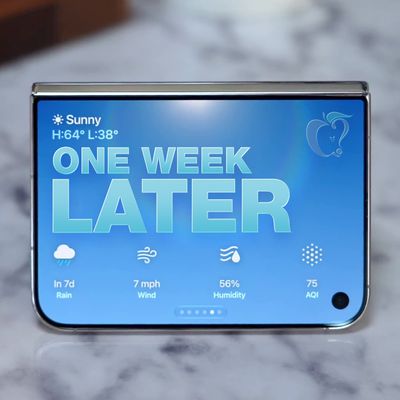
It's been a week since the iPhone Duo was released, and MacRumors videographer Dan Barbera wanted to revisit his review since he's been able to use the Duo for a longer stretch of time.
Subscribe to the MacRumors YouTube channel for more videos.
You've probably seen images of iPhone Duos with a bright white line running across one side of the inner display. There is a defect affecting some...