Apple Seeds Second Beta of iOS 18.6 to Developers
Apple today seeded the second betas of upcoming iOS 18.6 and iPadOS 18.6 updates to developers for testing purposes, with the updates coming two weeks after Apple seeded the first betas.
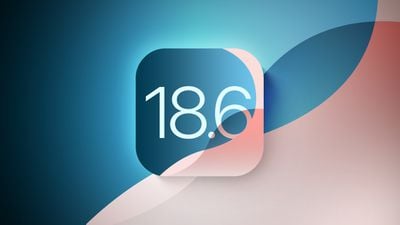
iOS 18.6 and iPadOS 18.6 can be downloaded from the Settings app on a compatible device by going to General > Software Update.
No notable new features were found in the first iOS 18.6 and iPadOS 18.6 betas, so it's not clear what might be added in the update, though there are some changes to the App Store in the EU due to the DMA. Rumors suggest that Apple wanted to expand Apple Intelligence to China with iOS 18.6, but regulatory hurdles have delayed the launch.
iOS 18.6 and iPadOS 18.6 likely focus on smaller changes and bug fixes, and we'll update this article should anything new be found in the second beta.
Apple is winding down work on iOS 18 and is focusing on iOS 26. iOS 26 is in beta testing right now and is set to launch in September alongside new iPhone 17 models.
Popular Stories
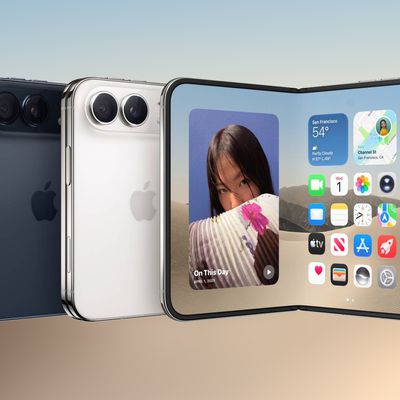
Some Apple retail employees have been told to warn customers against visiting to purchase an iPhone Duo without a pre-order on Friday, October 23.
Apple Store employees told MacRumors that they have been advised that there will likely be no iPhone Duo stock available for walk-in purchases on launch day. Staff have been instructed to discourage customers without pre-orders from coming in...
Apple today sent out invites for an experience in Los Angeles on Wednesday, October 28, and the "Pro and tell" tagline on the invitation likely means that the rumored MacBook models with touch-enabled OLED displays will stick with MacBook Pro branding instead of the once-rumored "MacBook Ultra" name.
The long-rumored "iPhone Ultra" ended up being named iPhone Duo, so speculation that Apple...
Despite knowing that the iPhone Duo would face "severe supply constraints" due to manufacturing challenges, Apple chose to begin iPhone Duo pre-orders on Friday instead of waiting until it had more inventory ready, according to Bloomberg's Mark Gurman. In his Power On newsletter today, he called this decision a "major mistake."
"Let me cut to the chase: Apple made a major mistake here," he...


























![Apple Watch Ultra 3 Hits New Low Price With Amazon's $299 Discount [Updated]](https://images.macrumors.com/t/BXKI27vT0hWfumJQpYzf41rH3Mw=/112x112/article-new/2026/10/apple-watch-ultra-3-milanese.jpeg)