

iPhone 14 and iPhone 14 Pro models arriving to customers starting this Friday will have a day-one software update available with bug fixes, according to Apple.
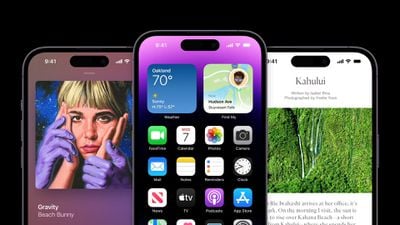
"This update provides bug fixes for your iPhone and addresses an issue that may cause some photos to appear soft when zooming in landscape orientation on iPhone 14 Pro Max," says Apple's release notes for the update, shared by @AppleSWUpdates.
The update will be available for all iPhone 14 models launching this Friday and simply represents the final version of iOS 16 with build number 20A362 that was released earlier this week for other iPhone models. Apple's initial batch of iPhone 14 models ship with an earlier build of iOS 16, which is why an update will be available immediately.
It appears that Apple also pushed out this update for the iPhone 14 Plus, but that device does not launch until October 7. It's possible that a newer iOS 16 update will be available by time the iPhone 14 Plus is released.
Apple released iOS 16 to the general public on Monday following several months of beta testing. Key new features include a highly customizable Lock Screen, the ability to temporarily edit or unsend iMessages, improvements to Focus modes, and more. The free software update is compatible with the iPhone 8 and newer.
Update: As noted by 9to5Mac, Apple has released an iOS 16.0.1 update for the iPhone 14 models that fixes an issue with activation and migration during setup, addresses a problem that could cause photos to appear soft when zooming in in landscape orientation on iPhone 14 Pro Max, and fixes a bug that could cause enterprise single sign-on apps to fail to authenticate.


























![Apple Pulls Keynote, Pages and Numbers From App Store [Update: Back]](https://images.macrumors.com/t/Okb7kitB_gNr6qe5Pex9nQIysD8=/112x112/article-new/2026/01/Apple-Creator-Studio-iWork-suite.jpg)





















