The iMac G5 Sleep Light Update adjusts the brightness of your iMac G5 sleep indicator light so it's not as bright during the evening. The daytime brightness remains the same.
This update is installed in Applications > Utilities and should automatically launch. Click Update and follow the onscreen instructions to apply the update.
Note: Once the update has started, do not cancel or interrupt it. The updater takes over one minute to complete. During the update, your computer fans will run at full speed, but will return to normal once the update completes.
Apple's long-rumored smart home hub will have an iMac G4-style design and a host of unique features, Bloomberg's Mark Gurman reports.
The smart home hub is said to feature a square 6-inch display, with variants that can be placed on a countertop or mounted on a wall. It features a single FaceTime camera on the front, with microphones and speakers in its connected base. Gurman described the...
Apple has begun inviting selected members of the media to a product launch experience in Los Angeles on Wednesday, October 28, according to Bloomberg's Mark Gurman.
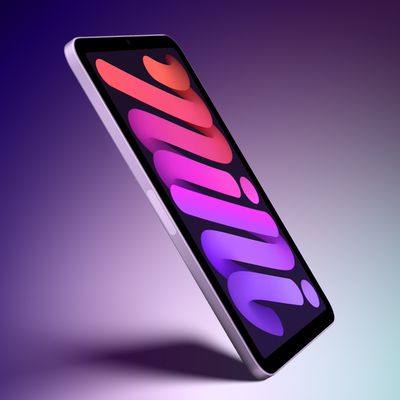
In a post on X, Gurman described the gathering as an "all-day product launch experience" for touchscreen MacBooks, a new iPad mini, and Macs equipped with M6 chips.
Gurman previously reported that Apple would introduce the...
Sunday October 18, 2026 11:01 am PDT by Joe Rossignol
Apple likely plans to release MacBook Pro models with OLED displays, 14-inch MacBook Pro and iMac models with M6 chips, and/or an iPad mini 8 with an OLED display on Friday, November 6, according to Bloomberg's Mark Gurman.
The devices are expected to be announced on Tuesday, October 27 or Wednesday, October 28.
If this timeframe proves to be accurate, then Apple will be releasing new...
Apple's first foldable iPhone, with a book-style design featuring a 5.4-inch outer display and a 7.6-inch inner display with a minimal crease down the middle.