Apple Hosting Live HomePod Question-and-Answer Event on July 25
Have a question about the HomePod?
Apple announced that it will be hosting a HomePod live event in its Support Communities on Wednesday, July 25, providing customers with an opportunity to ask Apple support representatives questions about the Siri-enabled speaker.
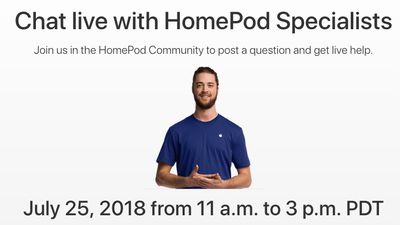
Specialists will be on hand between 11 a.m. and 3 p.m. Pacific Time, answering questions about a variety of topics in real time:
Discover how to make HomePod your own: use AirPlay 2, create a stereo pair, personalize your setup and settings, ask Siri, and more. During this live event, Apple HomePod Specialists will be available to help you get the most from your HomePod.
To participate in the event when it goes live, head to the HomePod Community on the Apple Support Communities, sign in to or create an Apple ID account, click Post > Discussion in the upper-right corner, and submit a question.
Specialists already monitor the Apple Support Communities, and occasionally answer questions, but this event should lead to faster answers.
It'll be interesting to see how this goes.
Popular Stories
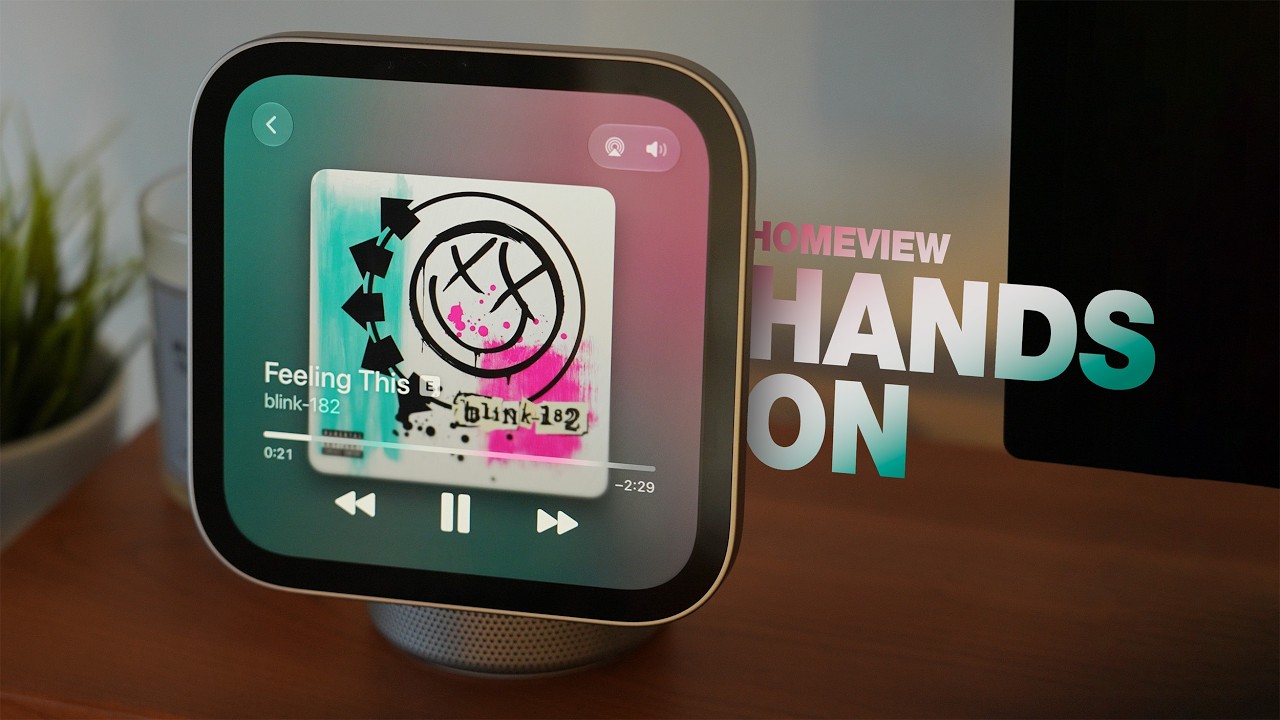
Apple's latest software update for the HomePod brings a new Sound Glow feature to the HomePod, HomePod mini, and HomePod mini 2. Apple introduced Sound Glow as a HomePod mini 2 feature, but it's available for the second-generation HomePod and the original HomePod mini too.
HomePod Software 27.2 is available as a release candidate update for developers and public beta testers, but it should...
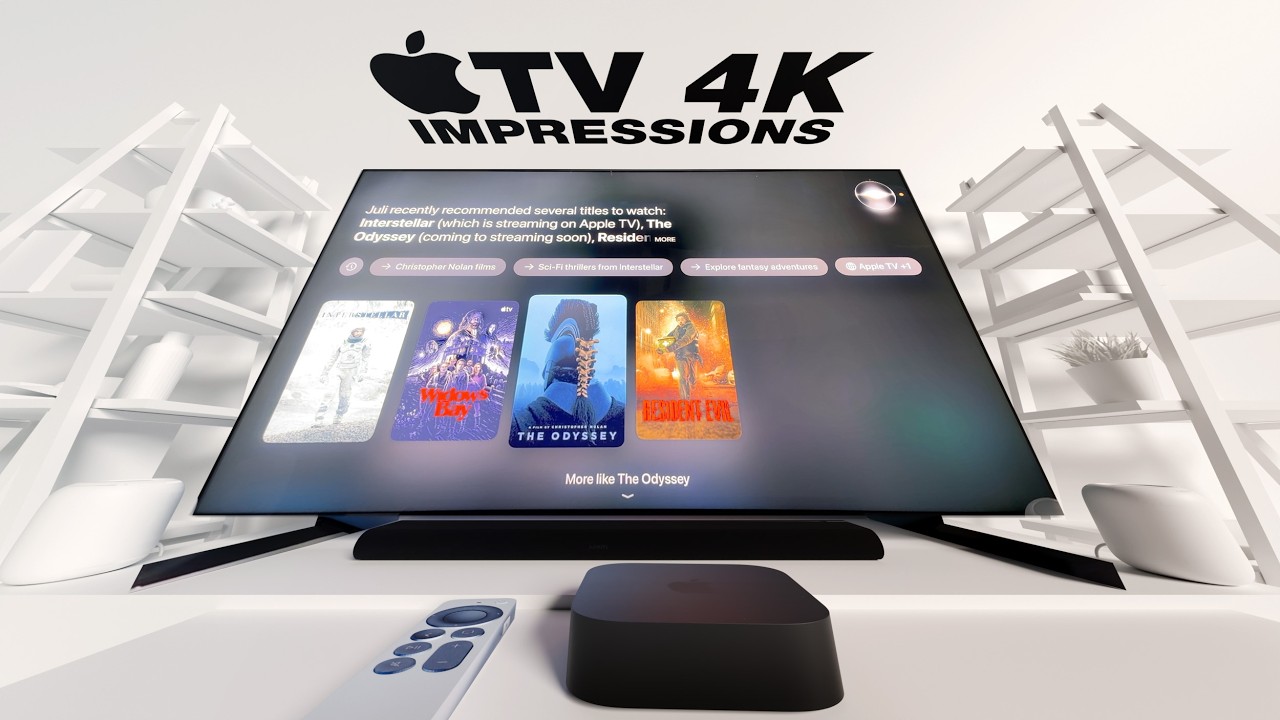
The new fourth-generation Apple TV 4K announced last week can connect to up to four HomePods in front-left, front-right, rear-left, and rear-right positions, enabling an all-Apple surround sound system for home theater setups. There is also a related new feature that has not received as much attention: Whole Room Audio.
Apple says the Whole Room Audio feature spreads sound evenly across four ...
Apple today released tvOS 27.2, the first major update to the tvOS 27 operating system that runs on the Apple TV 4K.
tvOS 27.2 can be downloaded using the Settings app on the Apple TV. Open up Settings and go to System > Software Update to get the new software. Apple TV owners who have automatic software updates activated will be upgraded to tvOS 27.2 automatically.
...