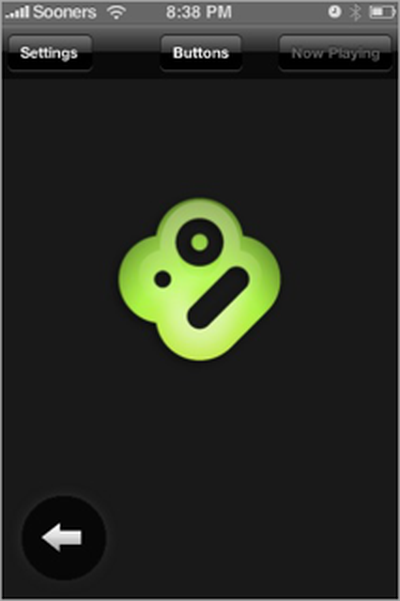
Boxee has announced the availability of boxee remote [App Store, Free], an application for the iPhone and iPod touch that connects via Wi-Fi to act as a remote for the Boxee media center software.
The application provides two different modes for navigation, a traditional "Buttons Mode" and a "Gesture Mode" in which the user touches the Boxee logo and drags it around the screen in order to navigate.
When in Gesture Mode hold your thumb down and drag the boxee logo around to move up/down/right/left. drag it to the edge on the screen and hold it there to navigate long lists. click on the logo to perform an action.
The remote also takes advantage of the iPhone's keyboard for inputting text.
While Boxee acknowledges that this is only a basic application for now, they do have plans to expand the functionality of it based on user feedback.