Ringtonator provides a easy to use application which "converts" an AAC file into a Ringtone from iTunes' perspective.
The application modifies metatags based on a followup discovery by Cleverboy about what exactly distinguishes a Ringtone from a Song files in iTunes.
In essence, Apple introduced an additional tag-type that identifies a Ringtone. These tags can be modified by Atomic Parsley manually and should provide a relatively future-proof method to convert songs into Ringtones that iTunes recognizes and treats correctly.
I then took a file I'd recorded myself, and saved as an AAC, and applied the same "stik" metadata to the file using a program called Atomic Parsley. .... The program outputted the new file, and I double-clicked on the file. The file immediately appeared in my ringtone list, and after syncing, it appeared on my phone without one iota of complaint. --NONE.
Ringtonator is a Mac application, but Atomic Parsley is available for both Mac and Windows.
Update: MakeiPhoneRingtone from RogueAmoeba has been updated to use the same described technique to make Ringtones.
Wednesday April 17, 2024 9:58 am PDT by Juli Clover
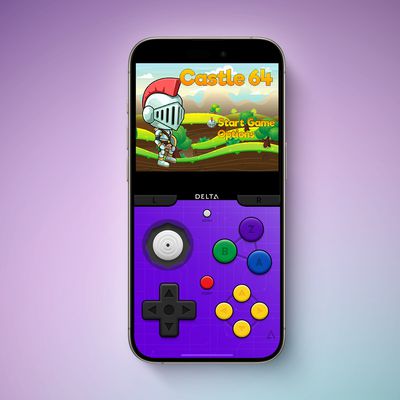
Game emulator apps have come and gone since Apple announced App Store support for them on April 5, but now popular game emulator Delta from developer Riley Testut is available for download. Testut is known as the developer behind GBA4iOS, an open-source emulator that was available for a brief time more than a decade ago. GBA4iOS led to Delta, an emulator that has been available outside of...
Tuesday April 16, 2024 6:54 am PDT by Tim Hardwick
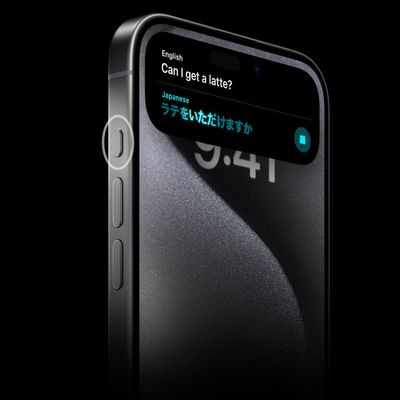
Last September, Apple's iPhone 15 Pro models debuted with a new customizable Action button, offering faster access to a handful of functions, as well as the ability to assign Shortcuts. Apple is poised to include the feature on all upcoming iPhone 16 models, so we asked iPhone 15 Pro users what their experience has been with the additional button so far. The Action button replaces the switch ...
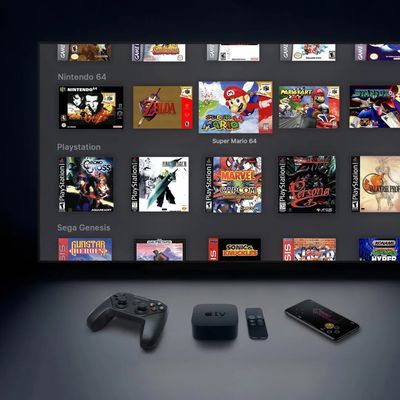
The lead developer of the multi-emulator app Provenance has told iMore that his team is working towards releasing the app on the App Store, but he did not provide a timeframe. Provenance is a frontend for many existing emulators, and it would allow iPhone and Apple TV users to emulate games released for a wide variety of classic game consoles, including the original PlayStation, GameCube, Wii,...
Wednesday April 17, 2024 12:19 pm PDT by Juli Clover
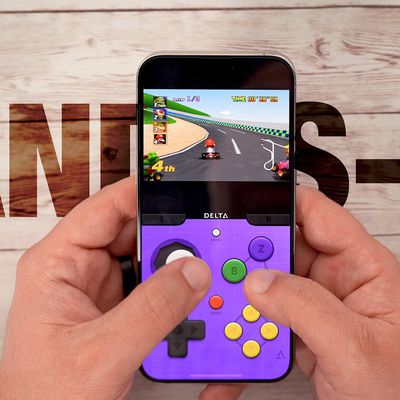
A decade ago, developer Riley Testut released the GBA4iOS emulator for iOS, and since it was against the rules at the time, Apple put a stop to downloads. Emulators have been a violation of the App Store rules for years, but that changed on April 5 when Apple suddenly reversed course and said that it was allowing retro game emulators on the App Store. Subscribe to the MacRumors YouTube channel ...
Tuesday April 16, 2024 11:33 am PDT by Joe Rossignol
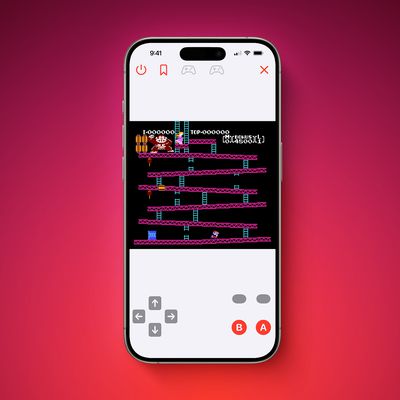
The first approved Nintendo Entertainment System (NES) emulator for the iPhone and iPad was made available on the App Store today following Apple's rule change. The emulator is called Bimmy, and it was developed by Tom Salvo. On the App Store, Bimmy is described as a tool for testing and playing public domain/"homebrew" games created for the NES, but the app allows you to load ROMs for any...