Got a tip for us? Share it...

More Leopard Features and Screenshots

While early looks at Leopard have provided focus on the major features announced by Apple, the following minor features may prove to be interesting to day-to-day Mac users. Reports of the Leopard Developer's preview is that it is remarkably solid, and the user interface is more responsive ("snappier") than Tiger (Mac OS X 10.4).

Reports indicate that the Finder and Front Row are exactly the same as the Tiger versions, suggesting that unannounced improvements could be in store for them by Leopard's final release.

The following screenshots highlight new and interesting features:

iChat:

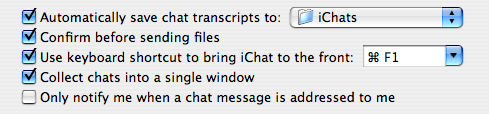
iChat prefs - with auto transcript saving
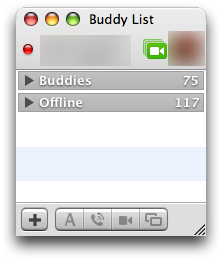
List of Buddies
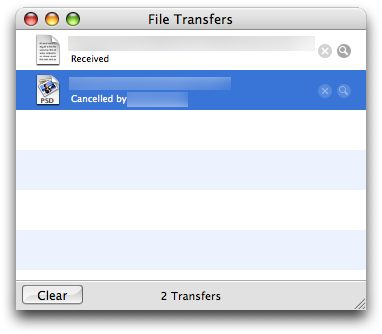
iChat File Transfers
Emoticons
User Profile

Safari:

Bookmarks window
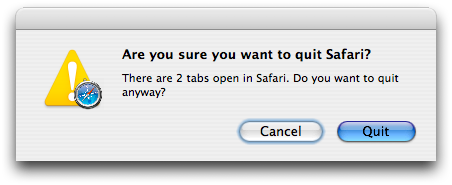
Confirm - Safari warning for closing tabs
Confirm #2 - Safari warning for losing Form data
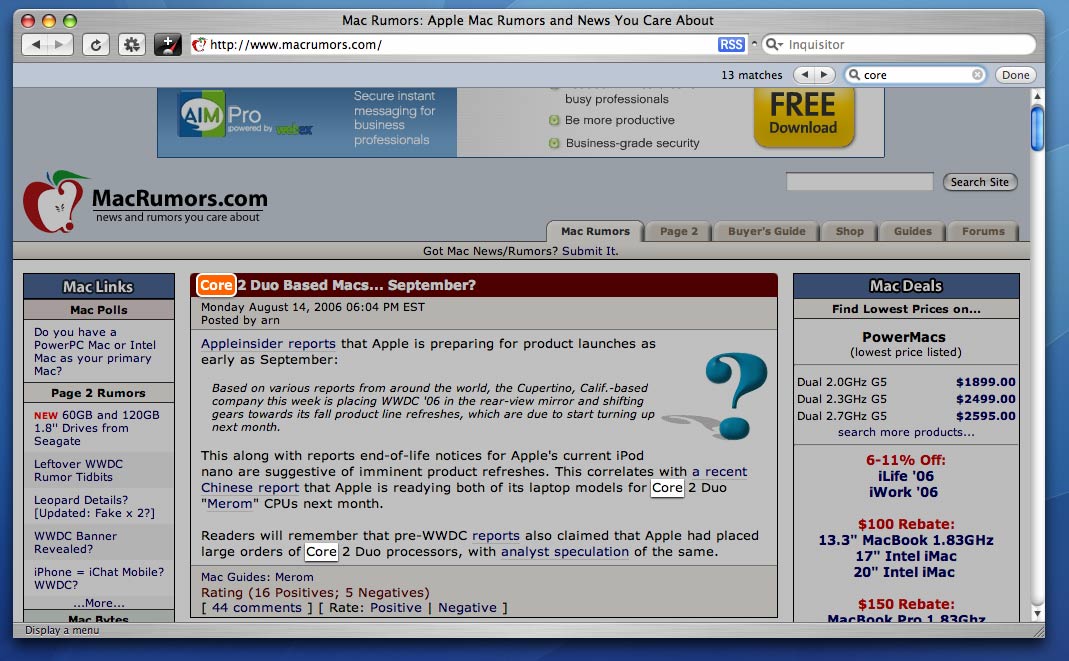
Safari Find - Find hilights words on the webpage
Loading - optional small icon showing load progress. Usual blue progress bar by default.
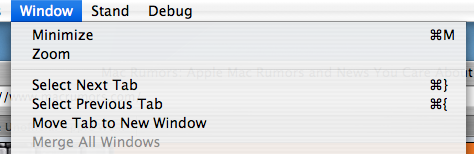
Window menu
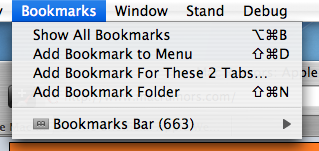
Bookmark Tabs

Spotlight:

Spotlight Window
Spotlight Menu
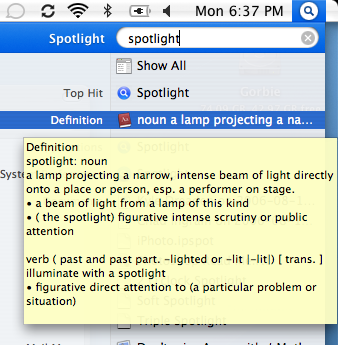
Spotlight Quick Look.

Misc:

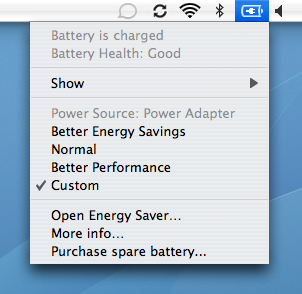
Battery Meter.
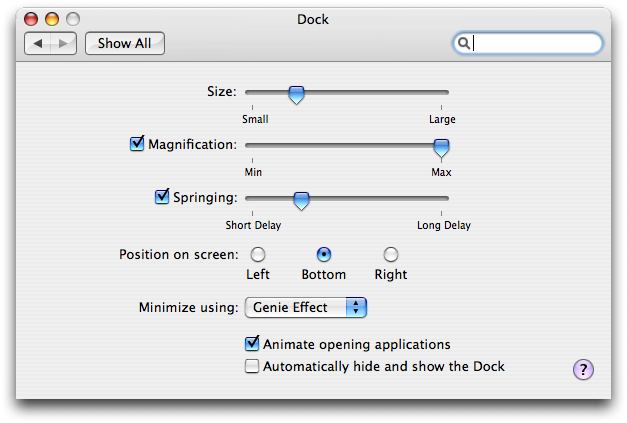
Dock Preferences - with addition of "Springing" option.
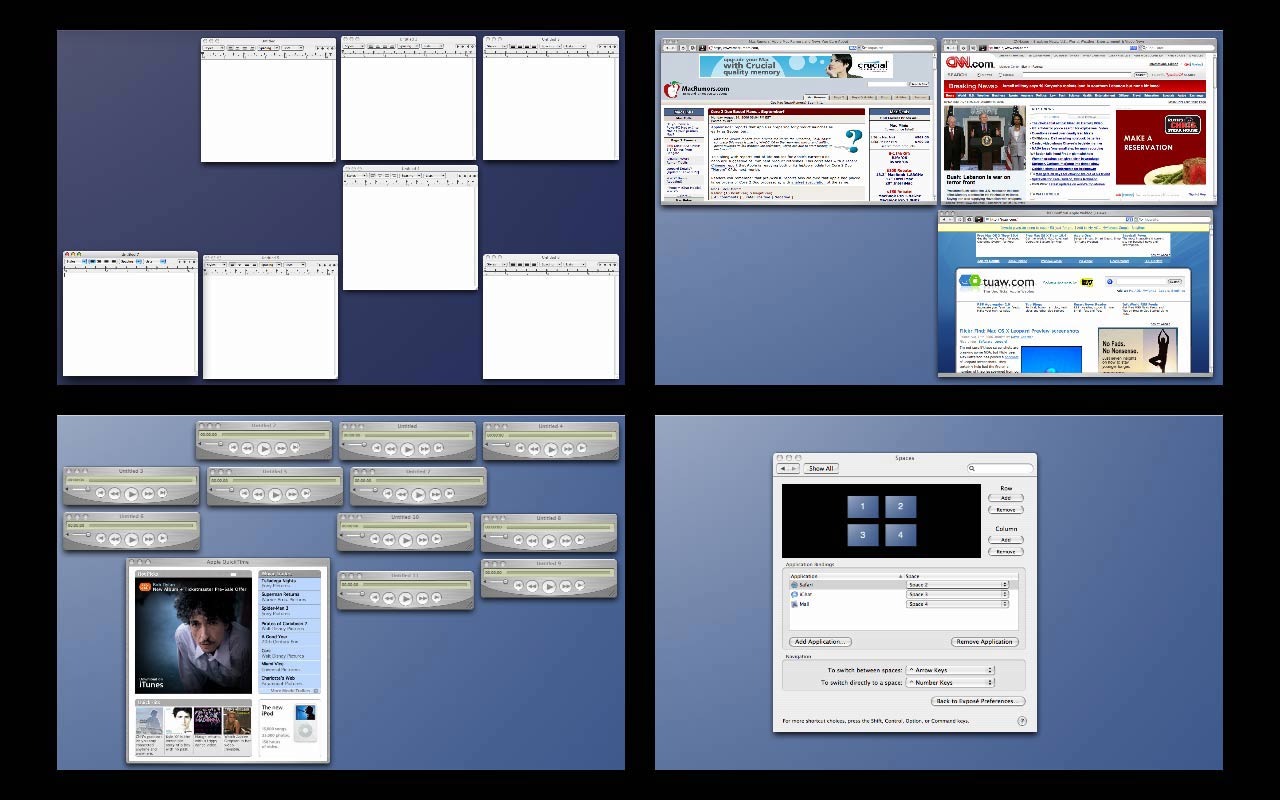
Invoke expose in Spaces
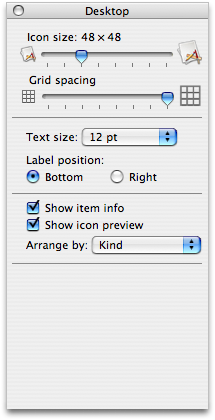
Finder Prefs - Grid spacing
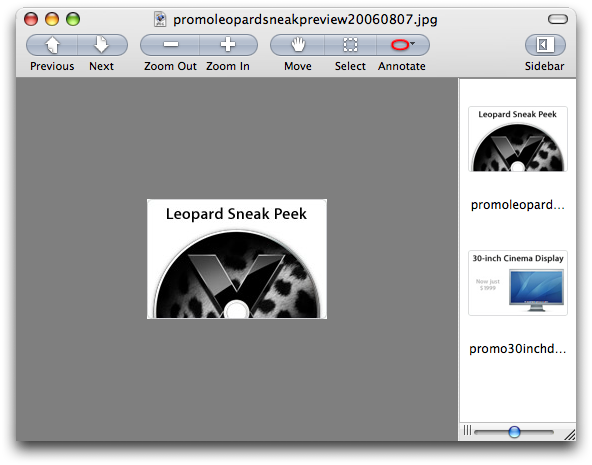
Preview - improved buttons
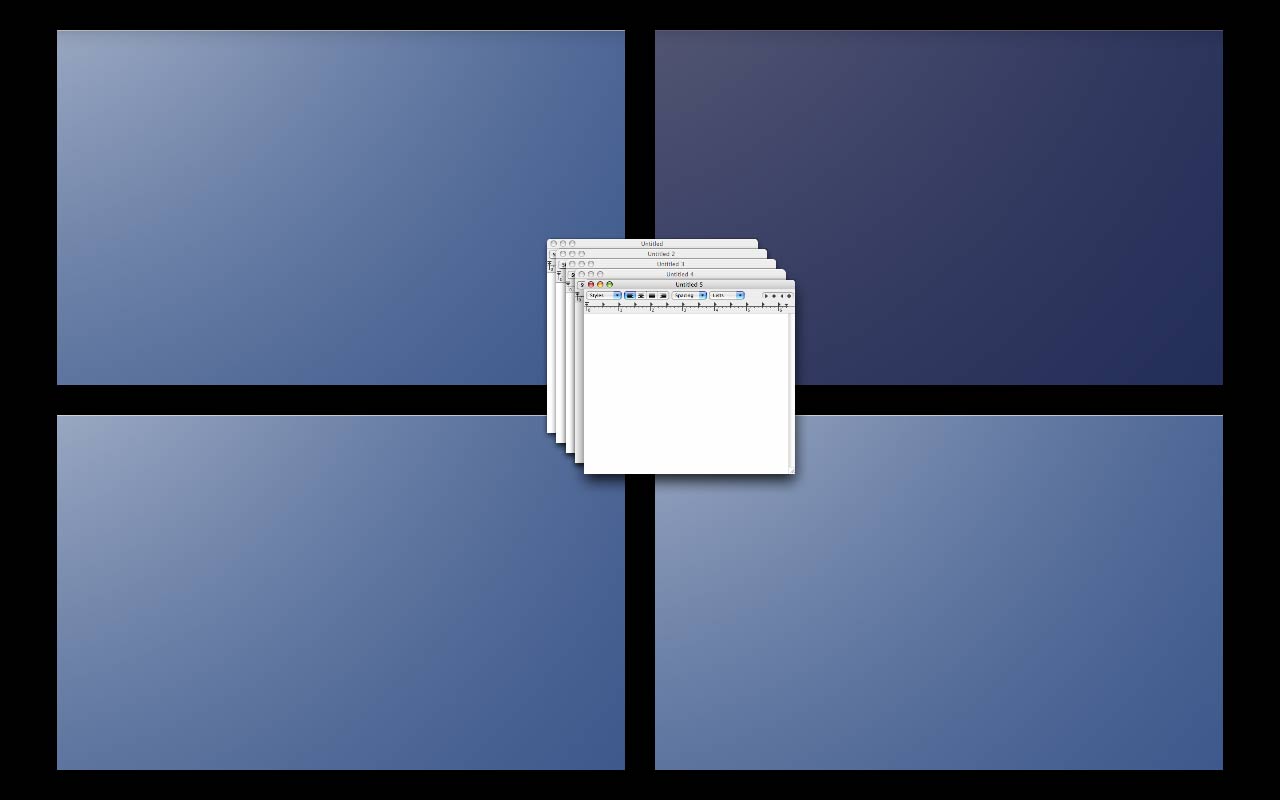
Group Move in Spaces - hold command and drag a group of windows.
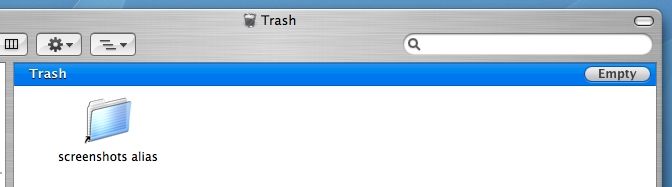
Leopard Trash Window - now with Empty button
Other Preference Panes: Time Machine Prefs, Spaces Prefs


Top Rated Comments
(View all)

72 months ago
NiceFeatures!
Rating: 0 Positives / 0 Negatives
72 months ago
Safari improvements are most needed, especially Safari Find seems like something I'll use more often.
Rating: 0 Positives / 0 Negatives
72 months ago
it's the little things...
Rating: 0 Positives / 0 Negatives
72 months ago
Still... meh.
Rating: 0 Positives / 0 Negatives
72 months ago
"Warning for losing Form data"

They've got my money :D (And Firefox-style Find!)

And I really have to believe that the old metal look will be gone in the end, replaced by the new iTunes look.

Current theme count for the record:

* White aqua (with three different toolbar styles: old, unified/no-line, and little-icons-on-gray-pills like Mail)

* Textured metal

* Smooth metal (iTunes)

* Dashboard (non-aqua sliders)

* Black bezel (like the floating controls in iPhoto)

* Pro aqua (gray with thinner title bars--Final Cut etc.)

* EDIT: new "quick look" theme?

All of those are used by multiple apps. There are also special variations like GarageBand, but those are fun and not objectionable to me.

EDIT: Actually, none of the above are objectionable to me--they have their uses--just so we get down to ONE metal look instead of two :) And my vote for best toolbar is the big icons (not gray pills), but in the unified/no-line format. Just like Tiger's System Preferences. (Not like Mail, not like Safari Preferences.) But it looks like the gray pill thing is spreading in Leopard. I can deal... just make it more consistent.

Don't get me started on all the different kinds of non-icon toolbar buttons that appear in metal apps :) Some look like glass, some like metal, etc.....
Rating: 0 Positives / 0 Negatives
72 months ago
More important than an "empty" button I would like to see a restore function in the Trash, where you can highlight one or more files or folders and click the "restore" button.
Rating: 0 Positives / 0 Negatives
72 months ago
Whats happening with iChat, are they getting it to work with MSN Messenger networks like with AOL?

I have just switched to Mac, and it's annoying I cant Video Conference with any MSN Messenger users (MSN Messenger on Mac doesnt support it). iChat is awesome but I have no contacts, lol. Anyone know of any other way, I have tried AdiumX and looked into Jabber.
Rating: 0 Positives / 0 Negatives
72 months ago
The images will return shortly. I overloaded the guides server with that.

arn
Rating: 0 Positives / 0 Negatives
72 months ago

More important than an "empty" button I would like to see a restore function in the Trash, where you can highlight one or more files or folders and click the "restore" button.


Ahem... Time Machine!

Doc didnt spend all that time inventing the flux capacitor for nothing you know :D
Rating: 0 Positives / 0 Negatives
72 months ago

Ahem... Time Machine!


I believe icerabbit was referring to a feature to restore an item to its original location once putting it in the trash. Windows has this feature in the recycle bin and it's a handy little feature.

This isn't to do with Time Machine as the user has not yet deleted the item from the Trash and the system.
Rating: 0 Positives / 0 Negatives

[ Read All Comments ]